Inedo Community Forums Forums
    • Recent
    • Tags
    • Popular
    • Login
    1. Home
    2. philippe.camelio_3885
    3. Topics

    Welcome to the Inedo Forums! Check out the Forums Guide for help getting started.

    If you are experiencing any issues with the forum software, please visit the Contact Form on our website and let us know!

    P Offline
    • Profile
    • Following 0
    • Followers 0
    • Topics 81
    • Posts 272
    • Groups 0

    Topics

    • P

      OT - Credential Property broken ?

      Watching Ignoring Scheduled Pinned Locked Moved Support otter
      9
      2
      0 Votes
      9 Posts
      24 Views
      P
      I thought I was wrong
    • P

      Sync BM from OT

      Watching Ignoring Scheduled Pinned Locked Moved Support otter buildmaster
      9
      0 Votes
      9 Posts
      24 Views
      atrippA
      Hi @philippe-camelio_3885 , We haven't investigated or changed this code in very many years (especially within the last year), so I wouldn't expect a changed result. Can you try the same troubleshooting steps as above? To find out where the invalid JSON is? Maybe it's comma again? FYI - we use Newtonsoft.Json for both serializing and deserializing (as you can see from error). It's really odd to be generating invalid JSON, but that's what the message is It could be related to an obscure bug, etc. We just have no idea and haven't investigated in past year. Thanks, Alana
    • P

      OT/BM Configure linux server connection with implicit sudo

      Watching Ignoring Scheduled Pinned Locked Moved Support ssh otter buildmaster
      5
      0 Votes
      5 Posts
      9 Views
      P
      Thanks
    • P

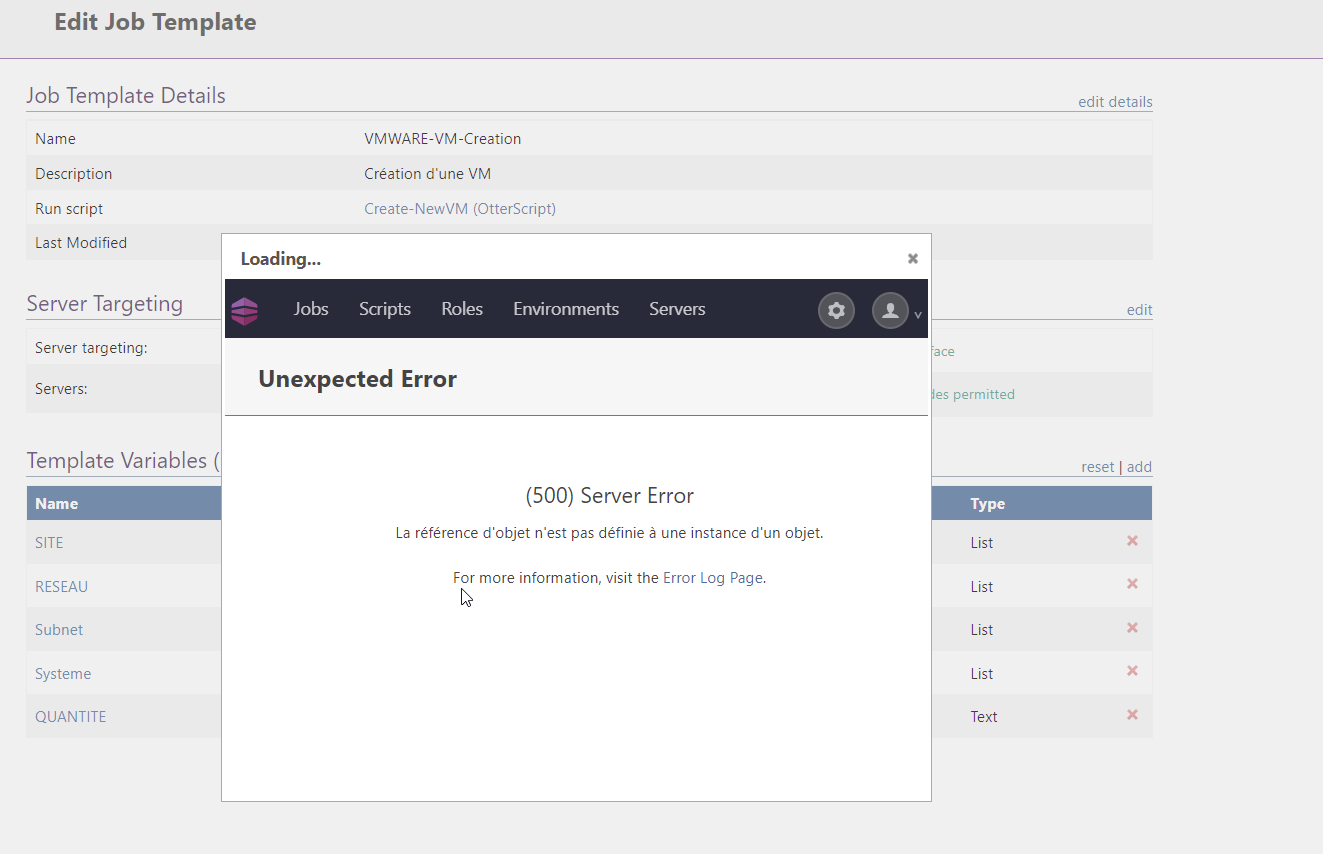
      [OTTER 3] Upgrade to 3.0.21 breaks Template variables in Edit Template Details

      Watching Ignoring Scheduled Pinned Locked Moved Support otter
      11
      1
      0 Votes
      11 Posts
      16 Views
      P
      Good news
    • P

      BM 6 - Deploy Configuration file with a lot of special characters

      Watching Ignoring Scheduled Pinned Locked Moved Support buildmaster
      3
      0 Votes
      3 Posts
      6 Views
      P
      Thanks you Rich it is working !.
    • P

      OTTER 3.0.12 / jobs scheduling add +2H

      Watching Ignoring Scheduled Pinned Locked Moved Support otter
      6
      0 Votes
      6 Posts
      14 Views
      Dan_WoolfD
      Hi @philippe-camelio_3885, This has been fixed and will be released in Otter 3.0.13 which is expected to be released on October 22nd 2021. Thanks, Dan
    • P

      Otter 3 - Create an folder in Jobs Template for a Git Asset does not work

      Watching Ignoring Scheduled Pinned Locked Moved Support
      3
      0 Votes
      3 Posts
      5 Views
      P
      @rhessinger Thanks
    • P

      Otter 3 - Error This operation is only valid when run against an SSH agent.

      Watching Ignoring Scheduled Pinned Locked Moved Support
      9
      0 Votes
      9 Posts
      22 Views
      P
      @gdivis Thanks for the resolution
    • P

      How to use PSEnsure Module and Custom PSRepository ?

      Watching Ignoring Scheduled Pinned Locked Moved Support
      7
      0 Votes
      7 Posts
      29 Views
      rhessingerR
      Hi @philippe-camelio_3885, I have just built a new CI version of the [Scripting Extension 1.10.3-CI.3] (https://proget.inedo.com/feeds/PrereleaseExtensions/inedox/Scripting/1.10.3-CI.3). This version includes the Minimum Version on Ensure PS Module and adds a new Ensure-PsRepository operation. Please take a look and let me know if you have any issues. Thanks, Rich
    • P

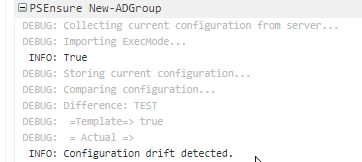
      OTTER 3 - Help needed on PSEnsure (works on Plan but not on Configuration)

      Watching Ignoring Scheduled Pinned Locked Moved Support
      4
      3
      0 Votes
      4 Posts
      10 Views
      P
      @apxltd Thank you, problem fixed
    • P

      OTTER 3 - Variable at environnement level not found

      Watching Ignoring Scheduled Pinned Locked Moved Support
      7
      0 Votes
      7 Posts
      14 Views
      P
      @atripp Oups Sorry about that. I made other tests since I created the thread. The data I send you are not correct I will wait for the 3.0.6 to make a clean test case and update the thread.
    • P

      OTTER 3 - Can't make new PSEnsure working

      Watching Ignoring Scheduled Pinned Locked Moved Support
      3
      0 Votes
      3 Posts
      9 Views
      P
      Thank you Alex bug is gone
    • P

      Agent 49 - Otter 2 / Otter 3 ?

      Watching Ignoring Scheduled Pinned Locked Moved Support
      3
      0 Votes
      3 Posts
      3 Views
      P
      @rhessinger said in Agent 49 - Otter 2 / Otter 3 ?: t you should be able to use the same agent install on more than one intance (Otter 3 and Otter 2.2) at the same time without issue. Basically, you can add that same agent to both Otter instances you have. Good news Thank you
    • P

      OTTER 3 - $CredentialProperty not working after migration from Otter 2.X

      Watching Ignoring Scheduled Pinned Locked Moved Support
      9
      0 Votes
      9 Posts
      16 Views
      P
      thank you @rhessinger It is working fine. I have now to mix this version with the Scripting v1.10.2-CI.1 (bug for PSEnsure) Thank you guys for the fast correction
    • P

      [OTTER 3.0] Adding dependencies in role break server access

      Watching Ignoring Scheduled Pinned Locked Moved Support
      3
      0 Votes
      3 Posts
      6 Views
      P
      Thank you
    • P

      [Otter 3] Upgrade Inedo Agent failed

      Watching Ignoring Scheduled Pinned Locked Moved Support
      11
      2
      0 Votes
      11 Posts
      26 Views
      P
      @atripp said in [Otter 3] Upgrade Inedo Agent failed: m here, I recommend to just reinstall v49 on the serve Reinstall the v49 directly is working but as the config file move and its format change I have to modify my autoregistration deployment script Thanks for the reply
    • P

      [BuildMaster] Configuration files history is empty

      Watching Ignoring Scheduled Pinned Locked Moved Support
      3
      2
      0 Votes
      3 Posts
      7 Views
      P
      @stevedennis Thanks
    • P

      Buildmaster sync from multiple Otter servers ?

      Watching Ignoring Scheduled Pinned Locked Moved Support
      3
      0 Votes
      3 Posts
      5 Views
      P
      Good idea Thanks
    • P

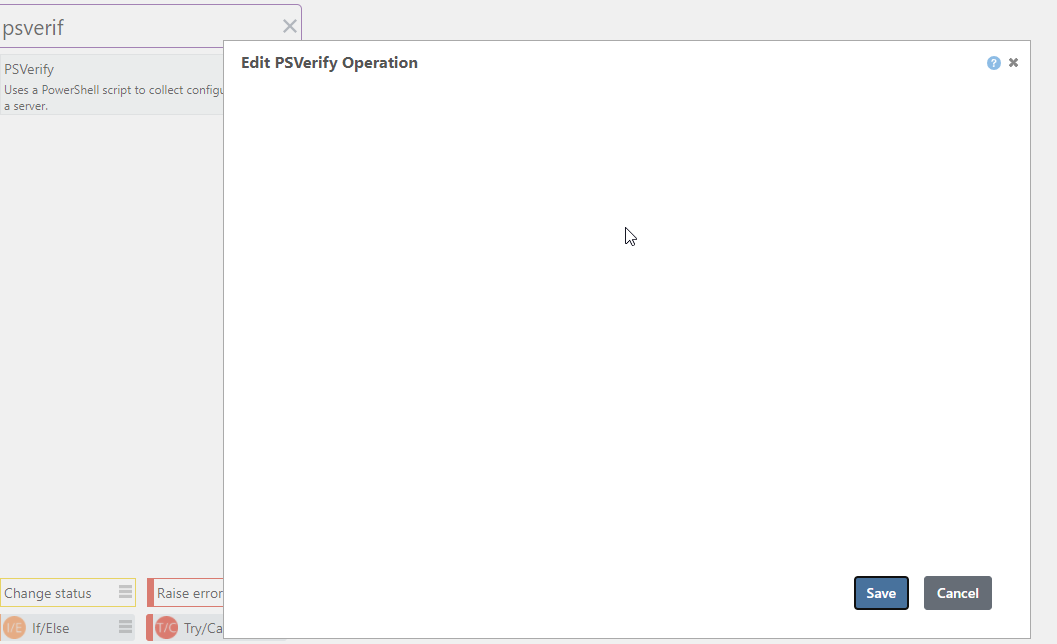
      [OTTER3] Creation/Modification of PSVerify did not work as expected

      Watching Ignoring Scheduled Pinned Locked Moved Support otter
      2
      1
      0 Votes
      2 Posts
      7 Views
      atrippA
      Hello, This is a bug, in that PSVerify shouldn't show up on the statement list. Instead, your scripts should, in a manner like this, with a Script Execution mode: [image: 1614579688039-f659bdca-9a55-4b9c-81bb-77ee357e8e66-image.png] Then, they'll look in Otter like this: PSVerify VerifyFreeSpace ( MinimumFreeGB: 24, DriveToVerify: C ); Here's how this script works behind the scenes... <# .DESCRIPTION Verifies that an hdars server has the required and expected configuration .AHDESIREDVALUE True .AHCURRENTVALUE $AmpleFreeSpace .PARAMETER DriveToVerify The drive letter (such as "C") for what to verify .PARAMETER MinimumFreeGB The minimum free space required on the drive, in gigabytes #> param ([int]$MinimumFreeGB = 20, [string]$DriveToVerify = "C") $ActualFreeGB = [int]((Get-PSDrive $DriveToVerify).Free / (1024 * 1024 * 1024)) $AmpleFreeSpace = $ActualFreeGB -gt $MinimumFreeGB And for reference, the additional help parameter descriptions... .AHDESIREDVALUE This is what you wish the configuration value to be. When not specified, the value of $true is assumed. .AHCURRENTVALUE This is the actual value of the configuration. When not specified, script's output is used. .AHCONFIGKEY This is the "configuration key" used by the script, which is a string that uniquely identifies configuration on a server. It's like a file on disk (a file is uniquely identified by its name), or the name of an IIS Application pool (an application pool is unqiuely identified by its name). Optional. When not specified, the name of the script is used. .AHVALUEDRIFTED This is an indicator as to whether the value is considered drifted. When not specified, it's a string comparison of the desired and current value. .AHEXECMODE This is either "Collect" or "Configure", and is only used on PSEnsure operations; it will be ignored (or set to Collect, depending on what's easier to code) on PSVerify. Using a PSEnsure without a .AHEXECMODE will cause an error. The Additional Help items can be specified as a value or a variable; variables will simply start with a $.
    • 1 / 1