Inedo Community Forums Forums
    • Recent
    • Tags
    • Popular
    • Login
    1. Home
    2. steviecoaster
    3. Topics

    Welcome to the Inedo Forums! Check out the Forums Guide for help getting started.

    If you are experiencing any issues with the forum software, please visit the Contact Form on our website and let us know!

    steviecoasterS Offline
    • Profile
    • Following 0
    • Followers 1
    • Topics 21
    • Posts 70
    • Groups 0

    Topics

    • steviecoasterS

      Add Documentation for Chocolatey Proxy feeds

      Watching Ignoring Scheduled Pinned Locked Moved Support
      11
      0 Votes
      11 Posts
      33 Views
      apxltdA
      Hi @imm0rtalsupp0rt , We've published a version of the article now: https://docs.inedo.com/docs/proget/feeds/chocolatey/howto-chocolatey-proxyccr Let us know your thoughts or freel free to submit a PR should have have any suggestions! Thanks, Alex
    • steviecoasterS

      Support for Air-gapped environments

      Watching Ignoring Scheduled Pinned Locked Moved Support
      3
      0 Votes
      3 Posts
      23 Views
      steviecoasterS
      We have the full gamut of environments. Those with unfettered access to the unwashed internet, proxied environments, a single machine with access we can tunnel through, to, yes, SCIF-levels of lockdown. In all of those scenarios, we offer an offline prep script that bundles everything needed for the installation into a zip file, which you can then sneaker-net into the environment and continue the installation. I think we can make the offline installation work based on what I'm seeing in the documentation. I just wanted to make sure it was a "supported" mechanism of installation.
    • steviecoasterS

      Create API Key for all feeds

      Watching Ignoring Scheduled Pinned Locked Moved Support
      2
      0 Votes
      2 Posts
      14 Views
      atrippA
      Hi @steviecoaster , Nice suggestion; I made a small change and you can now do pgutil apikeys create feed --feed=* to create such a key. Thanks, Alana
    • steviecoasterS

      Documentation discrepancy

      Watching Ignoring Scheduled Pinned Locked Moved Support
      4
      0 Votes
      4 Posts
      17 Views
      atrippA
      Hi @steviecoaster , FYI - I just a note to the license restriction page; it looks like we don't mention the restrictions on other APIs (delete, scan, etc), but it's something we'll consider next round of docs refactoring. I know we do call it out on the main documentation pages though.
    • steviecoasterS

      ProGet behind Azure AppGateway

      Watching Ignoring Scheduled Pinned Locked Moved Support
      3
      0 Votes
      3 Posts
      12 Views
      T
      I would like to deploy Proget behind the an Entra App Gateway but I am unsure how to configure the gateway.
    • steviecoasterS

      Pagootle: pgutil, but PowerShell

      Watching Ignoring Scheduled Pinned Locked Moved Support
      7
      0 Votes
      7 Posts
      22 Views
      apxltdA
      @steviecoaster the Native API should provide access to all of those procs FYI
    • steviecoasterS

      Discrepancy when creating Chocolatey feeds

      Watching Ignoring Scheduled Pinned Locked Moved Support
      2
      0 Votes
      2 Posts
      12 Views
      rhessingerR
      Hi @steviecoaster, Thanks for the find. We'll get this fixed in the next maintenance release. Thanks, Rich
    • steviecoasterS

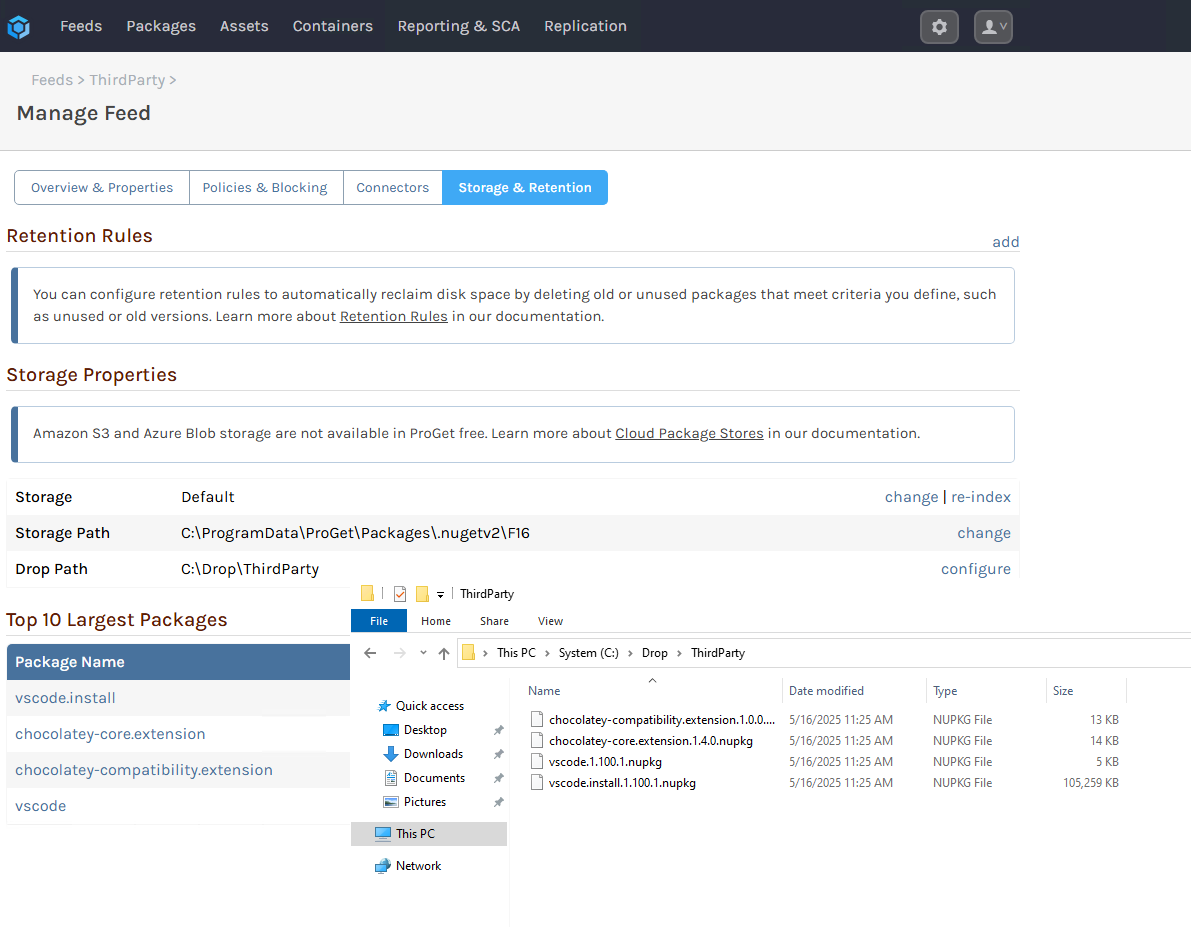
      Drop Path not deleting

      Watching Ignoring Scheduled Pinned Locked Moved Support
      3
      1
      0 Votes
      3 Posts
      13 Views
      steviecoasterS
      Late reply (was out at a conference), but this was in fact permissions related. I've added a check to ensure the Inedo service account has been granted modify permissions on the drop path upon creation, and it is working appropriately!
    • steviecoasterS

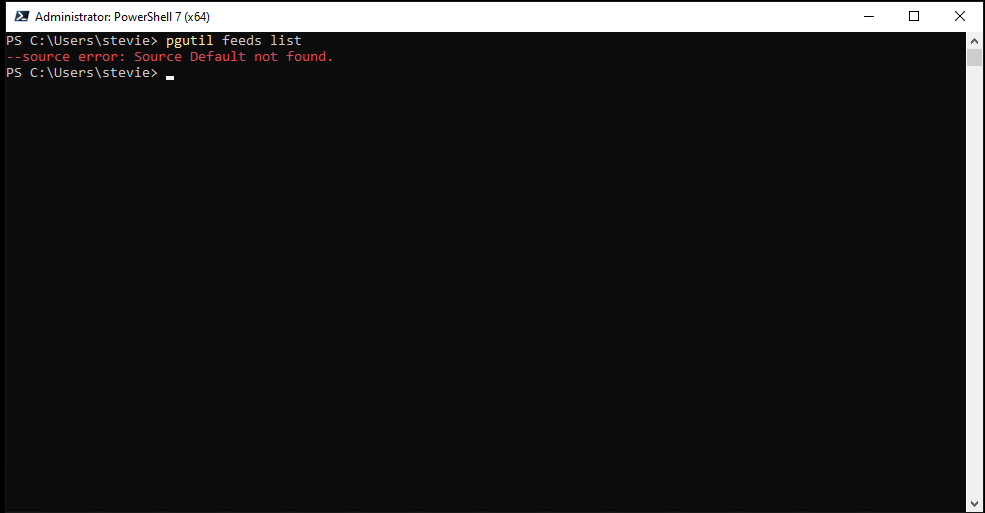
      Unable to list feeds with pgutil

      Watching Ignoring Scheduled Pinned Locked Moved Support
      2
      1
      0 Votes
      2 Posts
      5 Views
      No one has replied
    • steviecoasterS

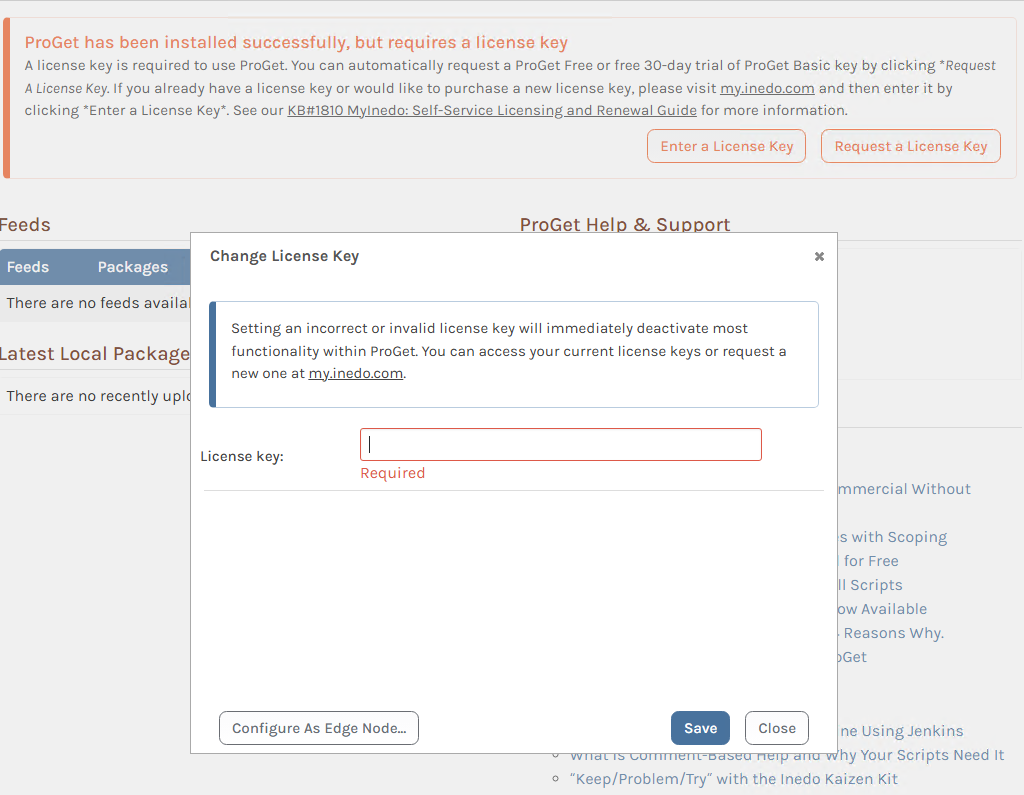
      Programmatically License ProGet

      Watching Ignoring Scheduled Pinned Locked Moved Support
      2
      1
      0 Votes
      2 Posts
      16 Views
      stevedennisS
      Hi @steviecoaster , You can use pgutil for this: pgutil settings set --name=Licensing.Key --value=XXXXXX This is in the Configuration table FYI, which is what pgutil settings does Thanks, Steve
    • steviecoasterS

      Extending the migrator utility

      Watching Ignoring Scheduled Pinned Locked Moved Support
      3
      0 Votes
      3 Posts
      8 Views
      steviecoasterS
      Thanks @dean-houston! That's good enough for me. Looking forward to trying the new migrator once it lands, sounds really really good!
    • steviecoasterS

      Default Chocolatey feeds to v2 and v3 enabled

      Watching Ignoring Scheduled Pinned Locked Moved Support
      3
      0 Votes
      3 Posts
      7 Views
      steviecoasterS
      Awesome! Thanks for the quick response on this one!
    • steviecoasterS

      Creating a new PowerShell module

      Watching Ignoring Scheduled Pinned Locked Moved Support
      4
      0 Votes
      4 Posts
      12 Views
      rhessingerR
      Hi @steviecoaster, Thanks! We will take a look as soon as we can! Thanks, Rich
    • steviecoasterS

      Manipulate users using pgutil

      Watching Ignoring Scheduled Pinned Locked Moved Support
      8
      0 Votes
      8 Posts
      35 Views
      atrippA
      @steviecoaster great news, glad you got it all working
    • steviecoasterS

      Publishing ProGet to Chocolatey Community Repository

      Watching Ignoring Scheduled Pinned Locked Moved Support
      6
      0 Votes
      6 Posts
      15 Views
      apxltdA
      Thanks @steviecoaster! All that sounds great, especially since it won't require changing anything on our end :) Much appreciateD!!
    • steviecoasterS

      ProGet License Text

      Watching Ignoring Scheduled Pinned Locked Moved Support
      2
      0 Votes
      2 Posts
      9 Views
      NanciCaloN
      Hi @steviecoaster , Very cool, looking forward to the packages! Here is the URL for the ProGet license agreement: https://inedo.com/proget/license-agreement The Inedo Hub does not have a separate license agreement, we just consider it part of the product; so you can just use ProGet's: https://inedo.com/proget/license-agreement Thanks, Nanci
    • steviecoasterS

      Question about Salt_Bytes

      Watching Ignoring Scheduled Pinned Locked Moved Support
      7
      0 Votes
      7 Posts
      25 Views
      dean-houstonD
      Hi @steviecoaster , The Native API can be a little finicky, especially since you can invoke with JSON, forum-encoded values, querystring, and I think even XML. But it sounds like you're on the right track. Let me share the C# code that ProGet uses to set the password: using (var rfc2898 = new Rfc2898DeriveBytes(password ?? string.Empty, 10, 10000, HashAlgorithmName.SHA1)) { var bytes = rfc2898.GetBytes(20); DB.Users_SetPassword(userName, bytes, rfc2898.Salt); } ... it looks a little different than the code you're using, so hopefully that will help! -- Dean
    • steviecoasterS

      API ability to control Feed Access

      Watching Ignoring Scheduled Pinned Locked Moved Support
      5
      0 Votes
      5 Posts
      12 Views
      steviecoasterS
      @dean-houston thanks for that info! I think that'll do nicely. I'll have to play around with it to be sure, but from what I can tell it looks straightforward to implement. Thank you!
    • steviecoasterS

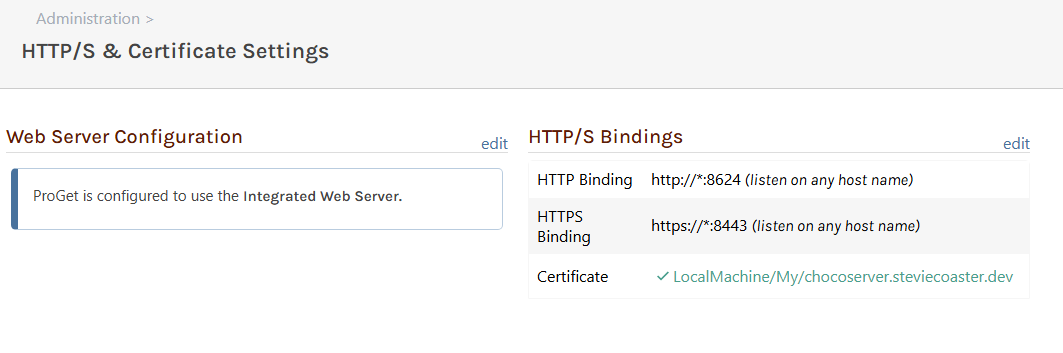
      HTTPS not working when setup within ProGet web interface

      Watching Ignoring Scheduled Pinned Locked Moved Support
      7
      3
      0 Votes
      7 Posts
      25 Views
      dean-houstonD
      @steviecoaster great, thanks for sharing! I added this to our documentation (https://github.com/Inedo/inedo-docs/pull/253), but apparently I don't have ability to merge PRs in that repo so it'll go live sometime later I'm sure
    • steviecoasterS

      Silent installation of ProGet

      Watching Ignoring Scheduled Pinned Locked Moved Support
      5
      1
      0 Votes
      5 Posts
      22 Views
      dean-houstonD
      Hi @steviecoaster , Sorry about giving the bad advice there -- I did not realize that the offline installer does not include the hub.exe program. It looks like the Offline Installer Creation Process must strip that from the offline installer we provide. As you discovered, the advice from before wouldn't really work. Without doing a deep dive in the code, I don't know how to make it work. This isn't a use case we designed for, and I'd hate to send you down a wild goose chase. How about just using our standard silent installation approach, which I shared before: # create working directories mkdir C:\InedoHub cd C:\InedoHub # download and extract file to working directory Invoke-WebRequest "https://proget.inedo.com/upack/Products/download/InedoReleases/DesktopHub?contentOnly=zip&latest" -OutFile C:\InedoHub\InedoHub.zip Expand-Archive -Path InedoHub.zip -DestinationPath C:\InedoHub # perform silent installation hub.exe install ProGet:5.2.3 --ConnectionString="Data Source=localhost; Integrated Security=True;" This will basically install the desired version and it's likely "good enough" for the time being. -- Dean
    • 1
    • 2
    • 1 / 2