Inedo Community Forums Forums
    • Recent
    • Tags
    • Popular
    • Login
    1. Home
    2. ybaskar.temp_3339
    3. Topics

    Welcome to the Inedo Forums! Check out the Forums Guide for help getting started.

    If you are experiencing any issues with the forum software, please visit the Contact Form on our website and let us know!

    Y Offline
    • Profile
    • Following 0
    • Followers 0
    • Topics 3
    • Posts 4
    • Groups 0

    Topics

    • Y

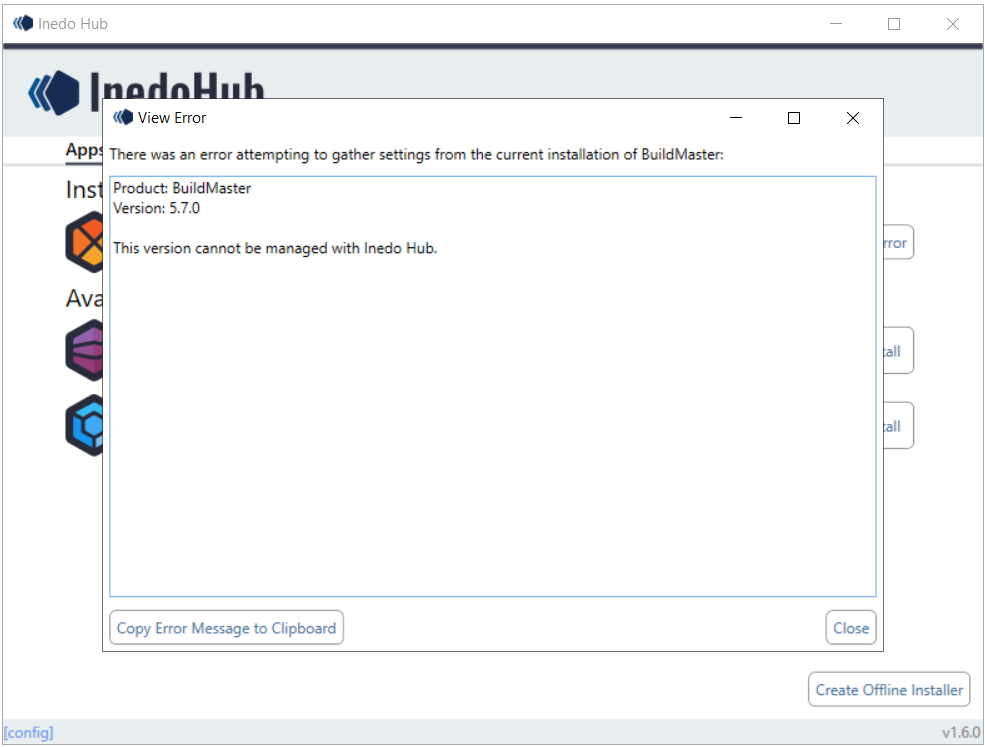
      Can't able to upgrade Buildmaster 5.7 version through inedohub

      Watching Ignoring Scheduled Pinned Locked Moved Support
      4
      1
      0 Votes
      4 Posts
      21 Views
      stevedennisS
      Hi @ybaskar-temp_3339 , Thanks for confirming that. I think it'd be worth exploring how to change those migration/environment constraints. While it's unfortunate to "lose history" and need to navigate to a separate instance, there's a moderate amount of risk in things simply not working the way it did before.... we're talking a decade of evolution, including platform, architectural, and even usage changes. That said, for an in-place upgrade, here's the approach that I would use. Use the Legacy (Traditional) installer to get to BuildMaster 6.1. Verify things work as expected on BuildMaster 6.1, agents updated, etc Upgrade to BuildMaster 6.2, again using the traditional installer Verify things work as expected in same manner Uninstall Ensure all components (iis site, service, program files.... except database, artifacts) have been removed Install BuildMaster 2025 as per normal, pointing to existing database Note that there's a decent change that you'll run into database or binding errors after #7, so make sure to run buildmaster.service.exe run from the commandline to better see messages and errors if things don't start up. Cheers, Steve
    • Y

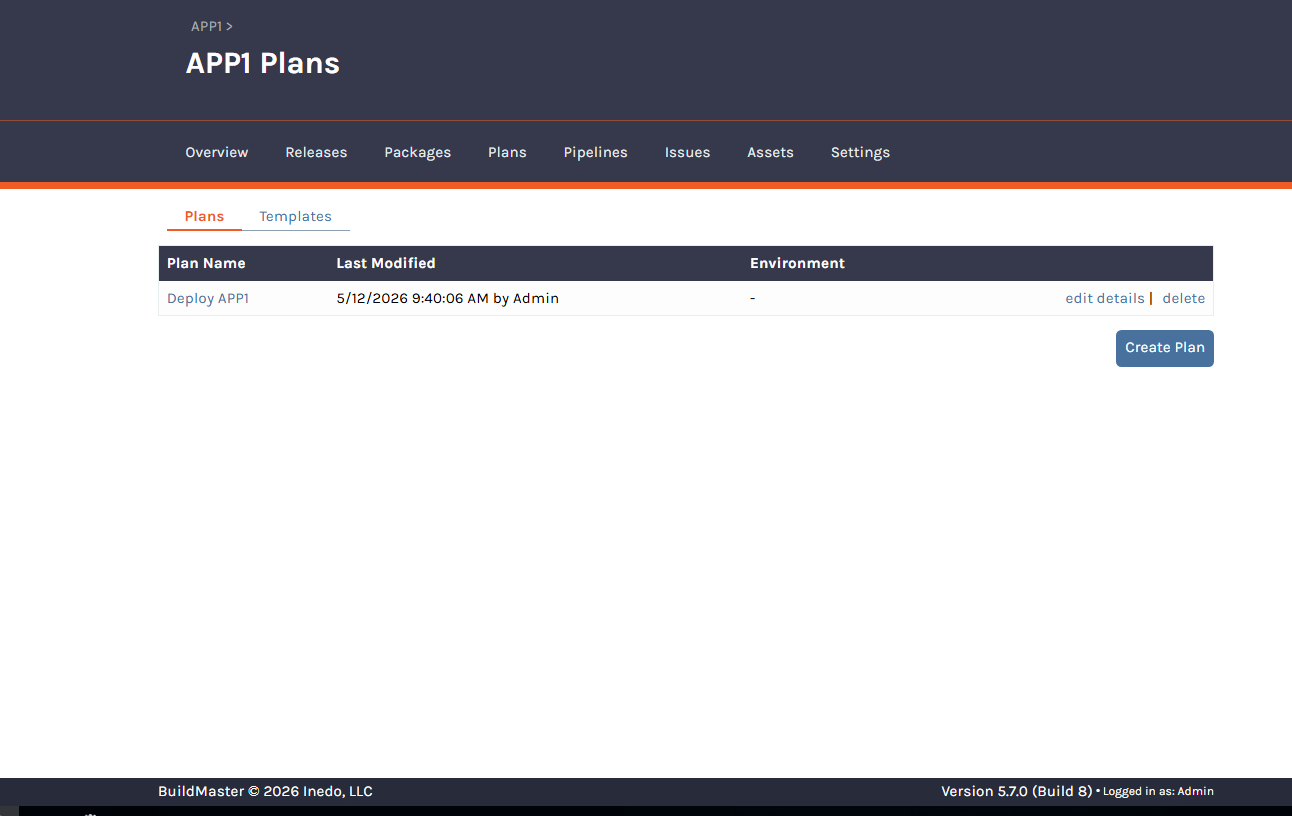
      Missing of Creating Legacy plans

      Watching Ignoring Scheduled Pinned Locked Moved Support
      2
      1
      0 Votes
      2 Posts
      10 Views
      dean-houstonD
      Hi @ybaskar-temp_3339, Going off of memory here (this was like 10 years ago), but I believe that BuildMaster v5 would hide legacy options unless there was already legacy data. Since there's no legacy plans there's no button. However, it still should be possible if you can find the url of the page to navigate to. I would check other apps for that option, inspect the url, and just replace it with your applications Id. Let us know if that works! -- Dean
    • Y

      Direct upgrade to BuildMaster 6.2 is not supported at this time.

      Watching Ignoring Scheduled Pinned Locked Moved Support
      2
      0 Votes
      2 Posts
      8 Views
      atrippA
      Hi @ybaskar-temp_3339 , The "root cause" is relatively easy to answer. The error was occurring on the 10. Block 6.2 Upgrades.sql script, which is simply this: IF OBJECT_ID('ActionGroups') IS NOT NULL EXEC sp_executesql N' IF NOT EXISTS(SELECT * FROM [Configuration] WHERE [Key_Name] = ''Legacy.NoLegacyFeaturesDetected'' AND [Value_Text] = ''True'') RAISERROR(''Cannot upgrade to BuildMaster 6.2 unless "Legacy.NoLegacyFeaturesDetected" in Advanced Settings is "True". This can be done by running the legacy features checker.'', 16, 1) ' Basically it will simply crash unless Legacy.NoLegacyFeaturesDetected is not set to "True". The "Legacy Feature detector" should have set that to "True" if there were no legacy features detected... but perhaps it didn't? Since you were able to bypass it, I wouldn't worry about it. In the "worse case", legacy data would have been purged during the delete. Thanks, Alana
    • 1 / 1