Inedo Community Forums Forums
    • Recent
    • Tags
    • Popular
    • Login
    1. Home
    2. Sigve.opedal_6476
    3. Topics

    Welcome to the Inedo Forums! Check out the Forums Guide for help getting started.

    If you are experiencing any issues with the forum software, please visit the Contact Form on our website and let us know!

    S Offline
    • Profile
    • Following 0
    • Followers 0
    • Topics 5
    • Posts 15
    • Groups 0

    Topics

    • S

      Zabbix rpm feed not working correctly

      Watching Ignoring Scheduled Pinned Locked Moved Support
      5
      0 Votes
      5 Posts
      14 Views
      gdivisG
      Hi @Sigve-opedal_6476, I haven't been able to reproduce this in a Rocky 9 test environment. After setting up the feed and connector in ProGet I ran dnf install zabbix-sql-scripts, and then repeated the test a few times with different versions and variations on formatting the versions. I also tried with cached and uncached packages. I was able to get a 404 to happen one time, but it was due to the upstream repo returning a 404 at the correct URL - which then worked the next time it was tried. Is this happening consistently for you?
    • S

      Proget: Move data to another folder

      Watching Ignoring Scheduled Pinned Locked Moved Support
      5
      0 Votes
      5 Posts
      13 Views
      S
      So I succeeded this time, I changed the montpoint to /data and created the subdirectories: mkdir -p /data/proget/proget-backups mkdir -p /data/proget/proget-database mkdir -p /data/proget/proget-packages Set correct permissions on the folders (same permissions as on the./proget-* folders) chmod 700 /data/proget/proget-database/ chmod 755 /data/proget/proget-backups/ chmod 755 /data/proget/proget-packages/ Set ownership chown 101:root /data/proget/proget-database/ chown root:root /data/proget/proget-backups/ chown root:root /data/proget/proget-packages/ Set correct SELinux context semanage fcontext -a -t svirt_sandbox_file_t "/data/proget(/.*)?" restorecon -Rv /data/proget Stop- and remove proget (I had a sapshot of the server as backup) docker stop proget docker rm proget rsync data to new directory rsync -avh ./proget-packages/ /data/proget/proget-packages/ rsync -avh ./proget-database/ /data/proget/proget-database/ rsync -avh ./proget-backups/ /data/proget/proget-backups/ Then install with (:z added for SELInux) docker run -d --name=proget --restart=unless-stopped \ -v /data/proget/proget-packages:/var/proget/packages:z \ -v /data/proget/proget-database:/var/proget/database:z \ -v /data/proget/proget-backups:/var/proget/backups:z \ -p 8624:80 \ proget.inedo.com/productimages/inedo/proget:25.0.18 last, remove the old directories in root home folder after ensuring everything is OK. cd ~ rm -rf ./proget-packages ./proget-database ./proget-backups Now it works as expected. i don't know what I did wrong last time, but now proget isn't filling up the root directory anymore. probably obvious for everyone used to docker, but wasn't for me :)

    • S

      Not able to upload .iso file to asset directory on Proget

      Watching Ignoring Scheduled Pinned Locked Moved Support
      4
      0 Votes
      4 Posts
      8 Views
      Dan_WoolfD
      Hi @Sigve-opedal_6476, I just tested with a 3GB .iso file and could upload without issue. When you tested locally on the same workstation, did you use http://localhost or the normal URL? Chances are the normal URL will still go through the firewall, even when on the same workstation. I would check in with your IT team and see if they are blocking .iso upload files to your ProGet instance. Thanks, Dan
    • S

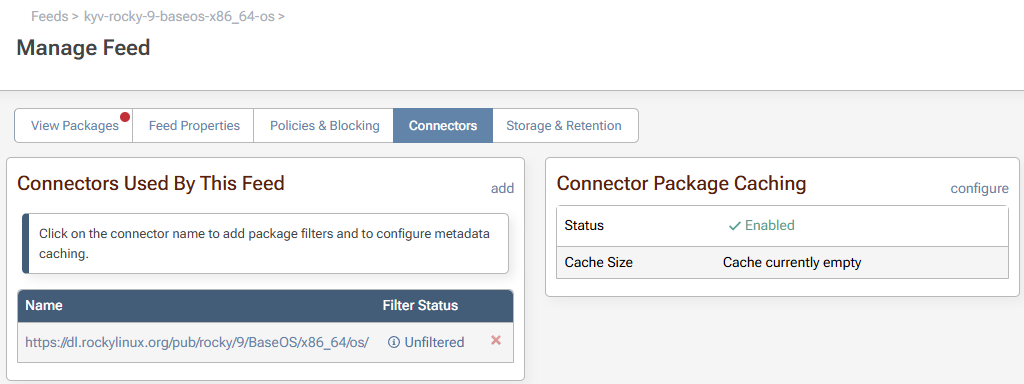
      Rocky Linux rpm feed not working

      Watching Ignoring Scheduled Pinned Locked Moved Support
      6
      7
      0 Votes
      6 Posts
      37 Views
      S
      Upgraded to version 25.0.15, and it's working. Thanks.
    • S

      Support for gpg in rpm feed

      Watching Ignoring Scheduled Pinned Locked Moved Support
      10
      0 Votes
      10 Posts
      25 Views
      apxltdA
      @felfert I saw the set-up first-hand, though I forgot what files were being edited, a .repo file I think. But the final setup is something like... [docker-ce-stable] name=Docker CE Stable - $basearch baseurl=https://download.docker.com/linux/rhel/$releasever/$basearch/stable enabled=1 gpgcheck=1 gpgkey={put the asset download url here, e.g. https://proget/endpoints/...} ... I know basically nothing about rpm so not sure if that helps at all
    • 1 / 1