Hi atripp,
thank you for your answer. (:
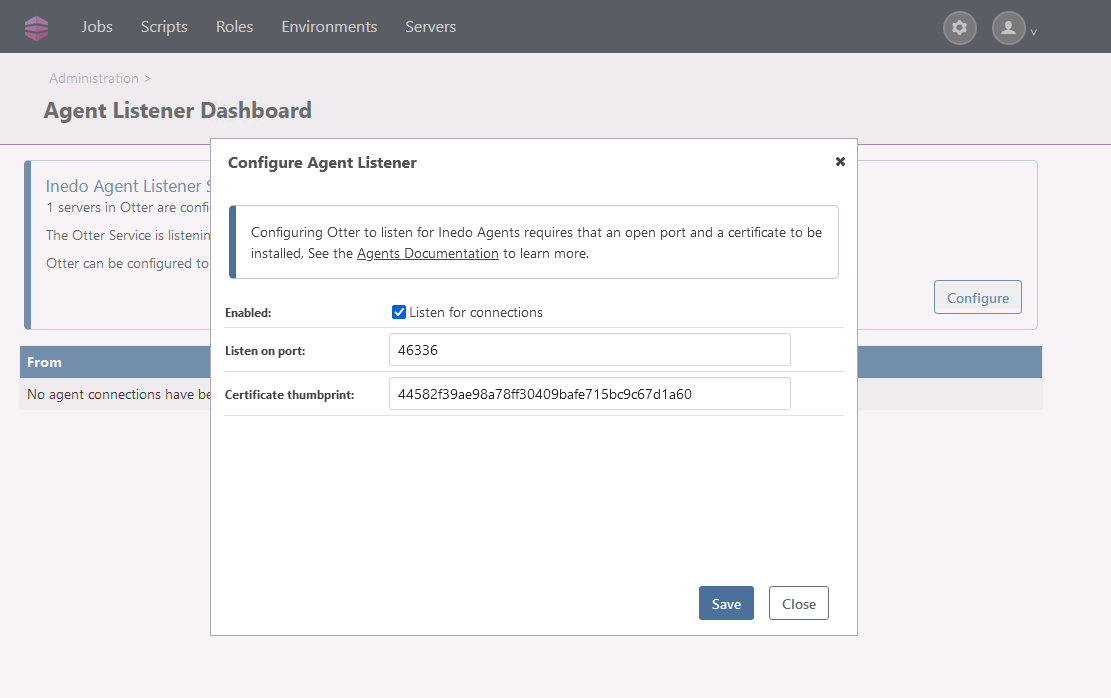
I changed the Port at Listener Configuration. I changed it from 46336 to 8630. Now i am receiving connections at my agent listener dashboard :)
But i could not solve everything.
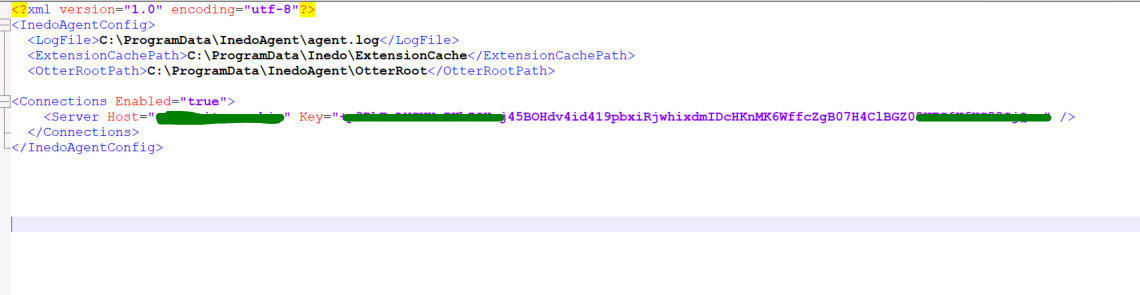
I ran the command .\inedoagentservice.exe run but the command only stated that it does: "Starting agent connector to the otter-host-fqdn on port 8630"
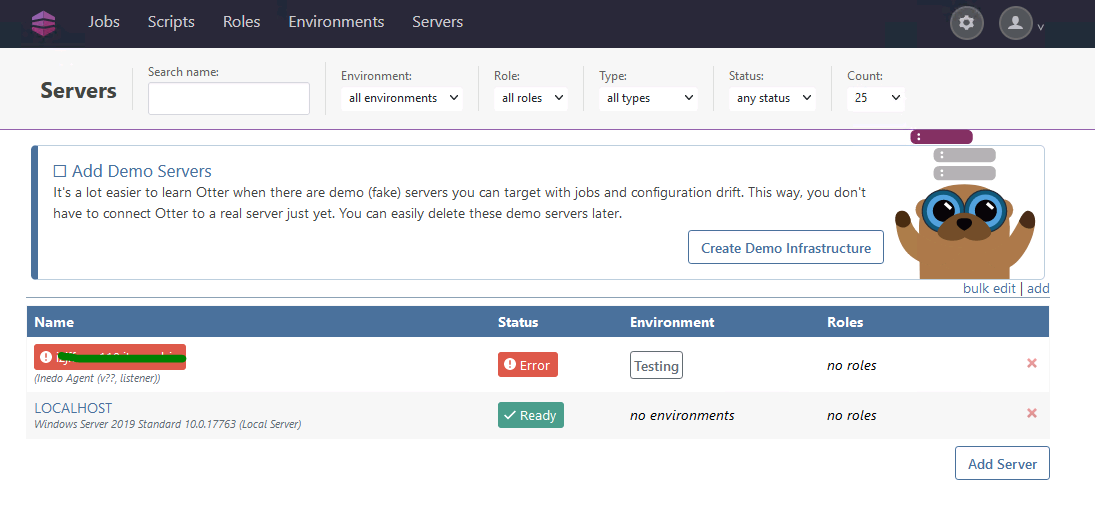
At AgentListenerDashboard connections are being established as you can see:
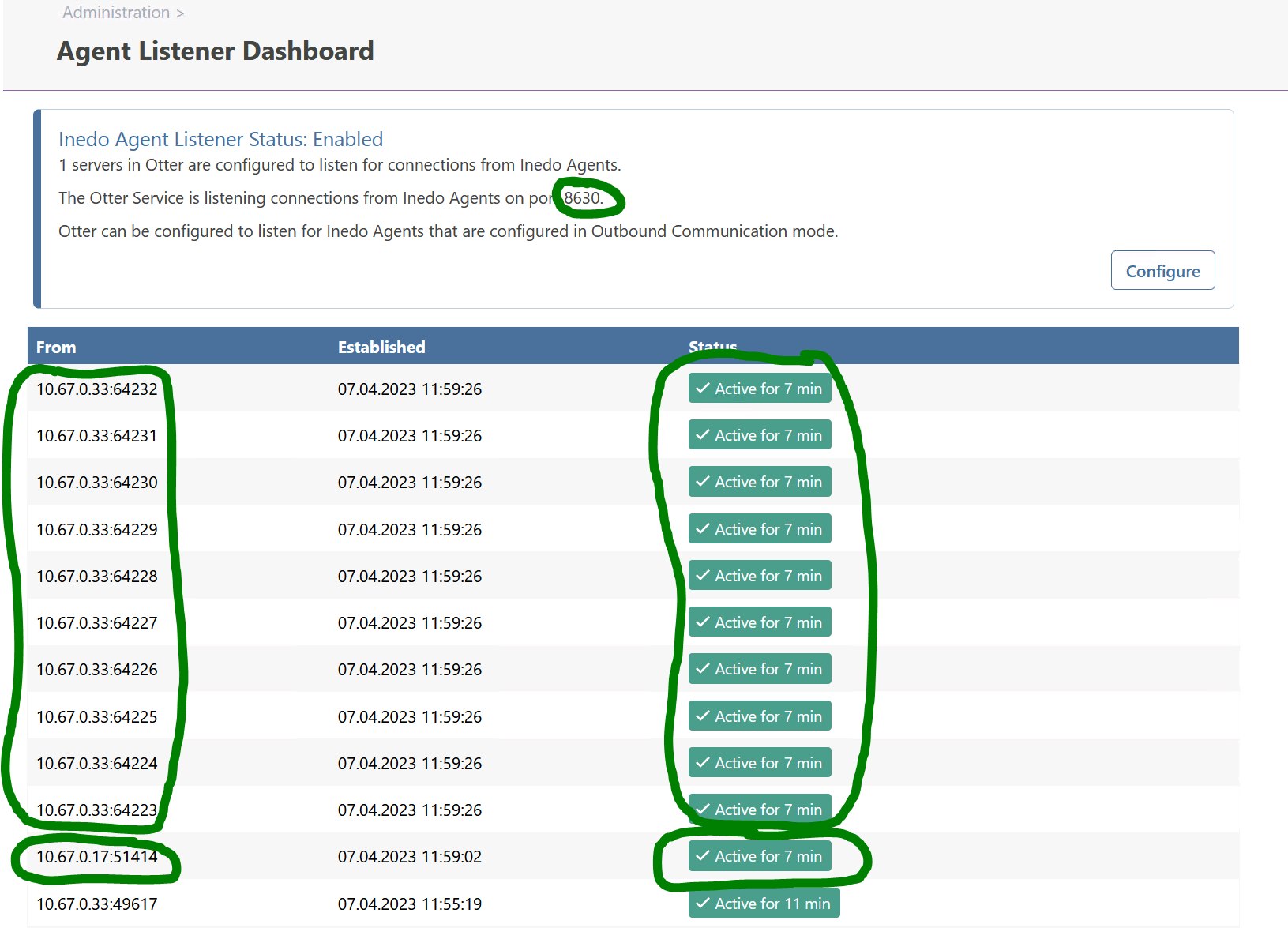
But for Source 10.67.0.17 something like a token exception is stated :(
Message for 10.67.0.17:
Bad handshake from 10.67.0.17:51738: System.Security.Authentication.AuthenticationException: Authentication failed, see inner exception. ---> System.ComponentModel.Win32Exception (0x8009030D): Die Anmeldeinformationen, die dem Paket übergeben wurden, wurden nicht erkannt. at System.Net.SSPIWrapper.AcquireCredentialsHandle(ISSPIInterface secModule, String package, CredentialUse intent, SCHANNEL_CRED* scc) at System.Net.Security.SslStreamPal.AcquireCredentialsHandle(CredentialUse credUsage, SCHANNEL_CRED* secureCredential) at System.Net.Security.SslStreamPal.AcquireCredentialsHandleSchannelCred(SslStreamCertificateContext certificateContext, SslProtocols protocols, EncryptionPolicy policy, Boolean isServer) at System.Net.Security.SslStreamPal.AcquireCredentialsHandle(SslStreamCertificateContext certificateContext, SslProtocols protocols, EncryptionPolicy policy, Boolean isServer) --- End of inner exception stack trace --- at System.Net.Security.SslStreamPal.AcquireCredentialsHandle(SslStreamCertificateContext certificateContext, SslProtocols protocols, EncryptionPolicy policy, Boolean isServer) at System.Net.Security.SecureChannel.AcquireServerCredentials(Byte[]& thumbPrint) at System.Net.Security.SecureChannel.GenerateToken(ReadOnlySpan1 inputBuffer, Byte[]& output) at System.Net.Security.SecureChannel.NextMessage(ReadOnlySpan1 incomingBuffer) at System.Net.Security.SslStream.ProcessBlob(Int32 frameSize) at System.Net.Security.SslStream.ReceiveBlobAsync[TIOAdapter](TIOAdapter adapter) at System.Net.Security.SslStream.ForceAuthenticationAsync[TIOAdapter](TIOAdapter adapter, Boolean receiveFirst, Byte[] reAuthenticationData, Boolean isApm) at Inedo.Agents.Connections.PullServerConnection.ReceiveHandshakeAsync(CancellationToken cancellationToken) at Inedo.Agents.AgentListener`1.ProcessIncomingConnection(TConnection channel)
If i open otter at Port 8630 (Agent Listener) on Firefox webbrowser i get something like that:
PR_CONNECT_RESET_ERROR
Fehlercode: PR_CONNECT_RESET_ERROR
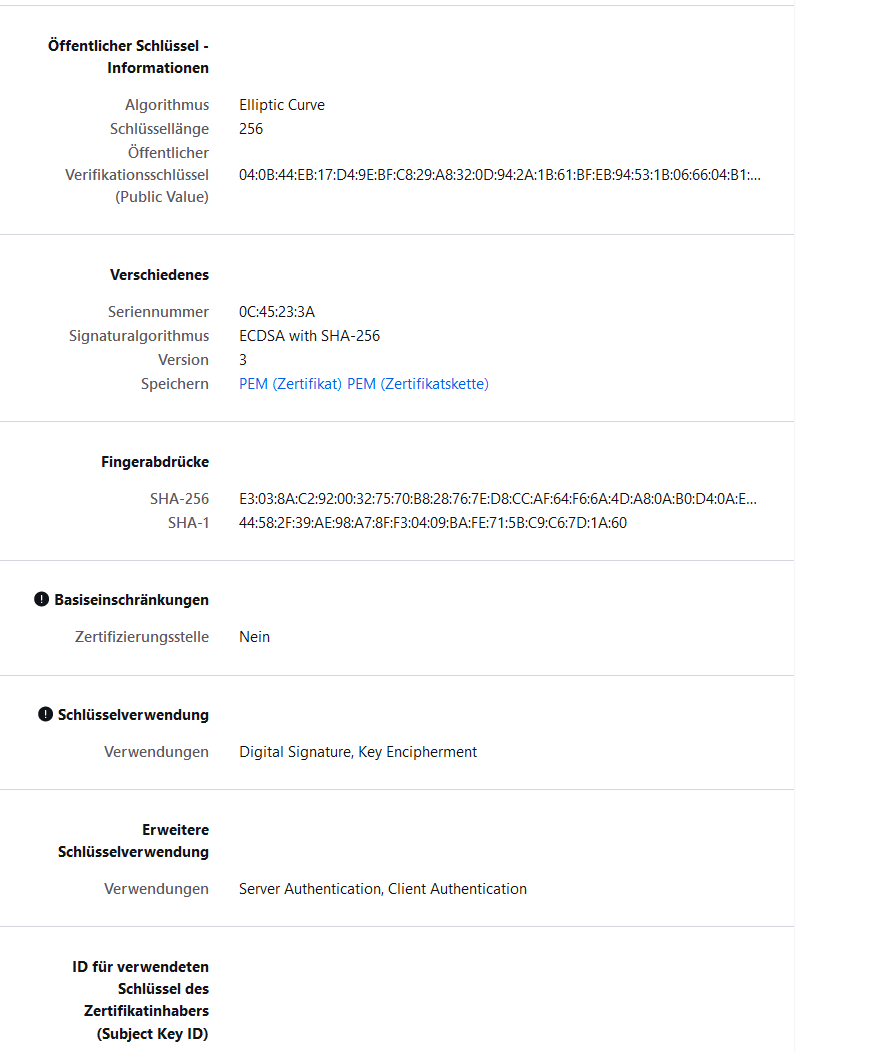
Is this normal or should this be different? I something wrong with the certificate??
Cheers
Philipp