Inedo Community Forums Forums
    • Recent
    • Tags
    • Popular
    • Login
    1. Home
    2. pallavi.tarigonda_9617
    3. Topics

    Welcome to the Inedo Forums! Check out the Forums Guide for help getting started.

    If you are experiencing any issues with the forum software, please visit the Contact Form on our website and let us know!

    P Offline
    • Profile
    • Following 0
    • Followers 0
    • Topics 2
    • Posts 5
    • Groups 0

    Topics

    • P

      NuGet V2 Bad Requests

      Watching Ignoring Scheduled Pinned Locked Moved Support
      2
      3
      0 Votes
      2 Posts
      15 Views
      dean-houstonD
      Hi @pallavi-tarigonda_9617, These errors are being "forwarded" from NuGet.org, and if you're seeing them it means that "something" on your network is making requests to a ProGet feed that has a connector to nuget.org. This is typically an old, outdated tool or script. You'll need to track this down and update/disable it. It could also be a self-connector that is connecting to a feed that also has a connector to ProGet using the V2 APi - so double check your self-connectors. Best, Dean
    • P

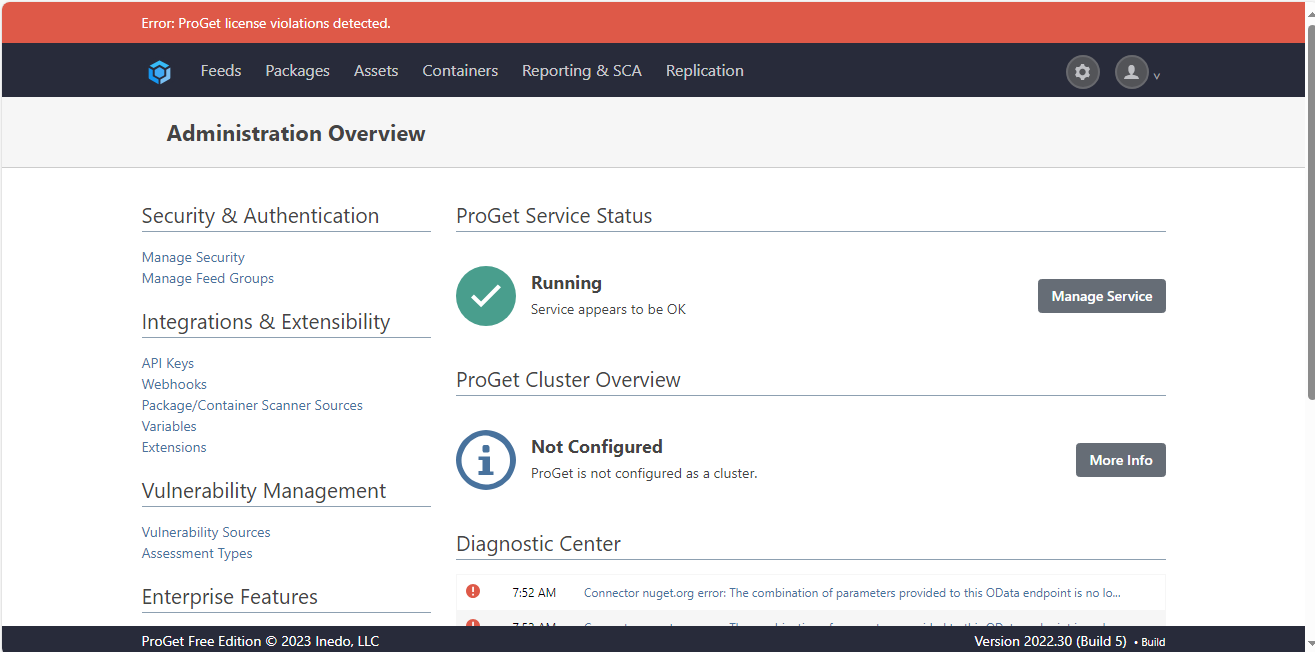
      "Error: ProGet license violations detected." on the UI of the PRoGet admin page.

      Watching Ignoring Scheduled Pinned Locked Moved Support
      8
      1
      0 Votes
      8 Posts
      42 Views
      stevedennisS
      Hi @pallavi-tarigonda_9617, Adding an entry to the hosts file should not cause a "blocked" connection, so it sounds like there's definitely something strange going with your machine's configuration. I'm not sure how to troubleshoot this further. Self-connectors work fine in testing Free edition, and other users don't have an issue. If it helps, here's the code that ProGet uses to determine if a connection is local: public bool IsLocal { get { var connection = this.NativeRequest.HttpContext.Connection; if (connection.RemoteIpAddress != null) { if (connection.LocalIpAddress != null) return connection.RemoteIpAddress.Equals(connection.LocalIpAddress); else return IPAddress.IsLoopback(connection.RemoteIpAddress); } if (connection.RemoteIpAddress == null && connection.LocalIpAddress == null) return true; return false; } } I would explore the hosts file issue; the fact that a loopback (127.0.0.1) entry wouldn't work sounds like there was some kind of data entry error/typo in your hosts error, but hard to say. Best, Steve

    • 1 / 1