Welcome to the Inedo Forums! Check out the Forums Guide for help getting started.
If you are experiencing any issues with the forum software, please visit the Contact Form on our website and let us know!
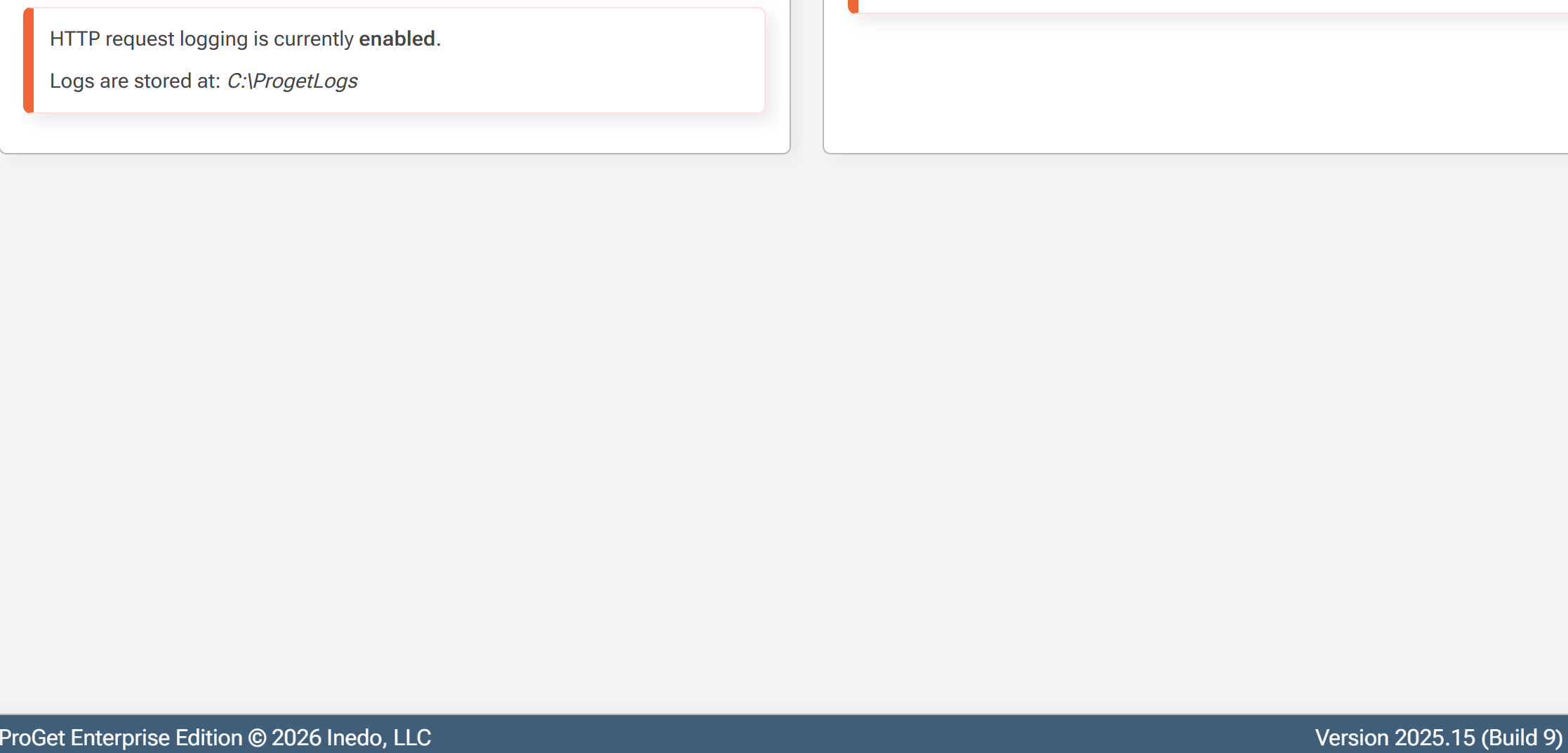
Http Logs enabled on only one server
-
Hi Team
We enabled http logs but it's only enabled on only one server. For other 2 servers in the cluster logs aren't enabled. How can I enable on all 3 servers
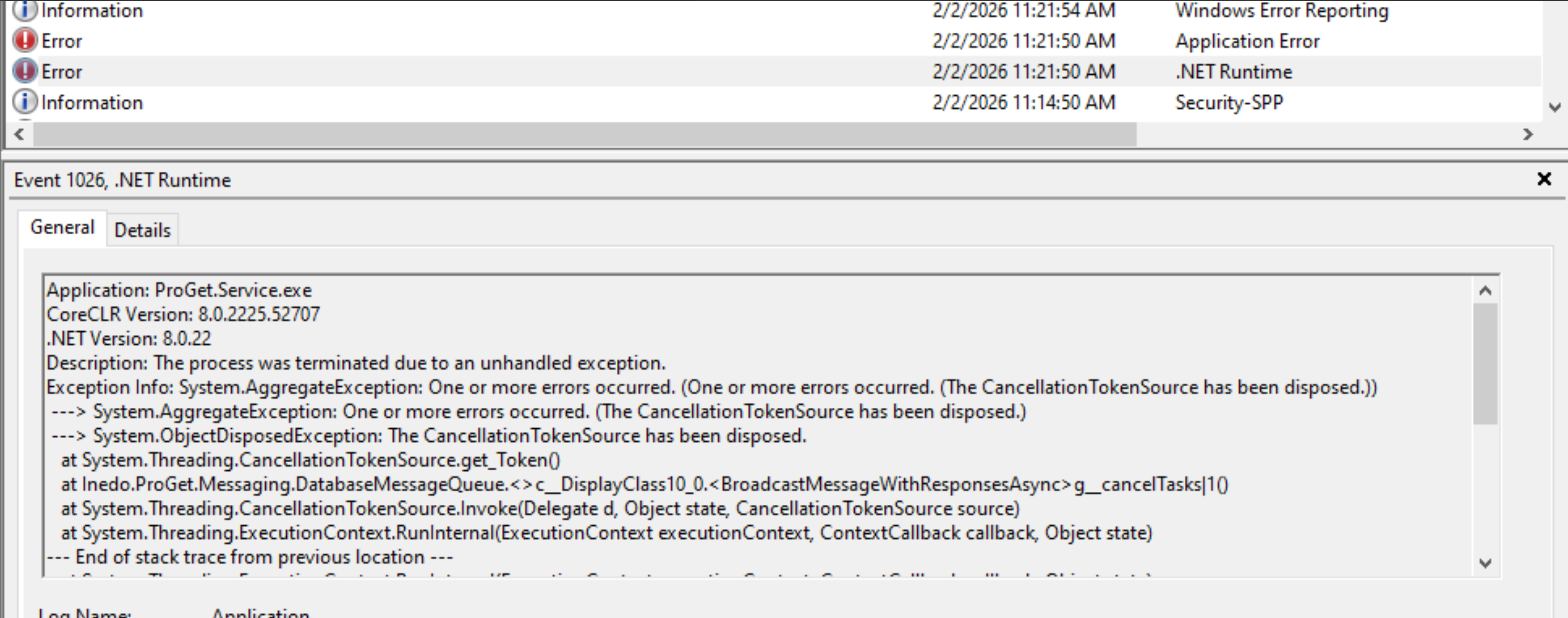
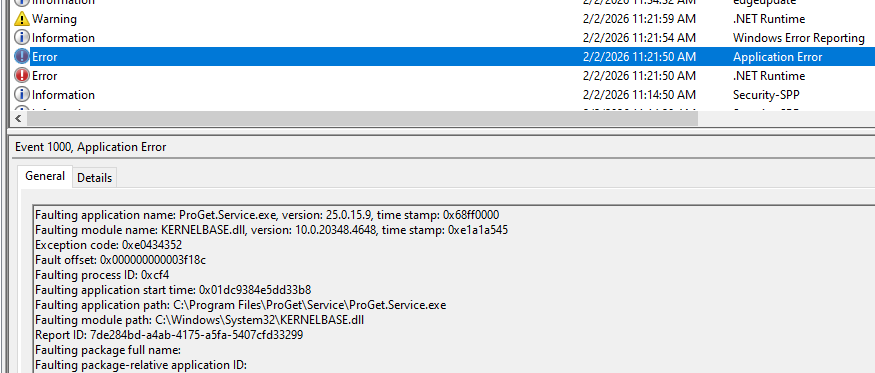
And I've another question, can I know when we'll get this exception.
Application: ProGet.Service.exe
CoreCLR Version: 8.0.2225.52707
.NET Version: 8.0.22
Description: The process was terminated due to an unhandled exception.
Exception Info: System.AggregateException: One or more errors occurred. (One or more errors occurred. (The CancellationTokenSource has been disposed.))
---> System.AggregateException: One or more errors occurred. (The CancellationTokenSource has been disposed.)
---> System.ObjectDisposedException: The CancellationTokenSource has been disposed.
at System.Threading.CancellationTokenSource.get_Token()
at Inedo.ProGet.Messaging.DatabaseMessageQueue.<>c__DisplayClass10_0.<BroadcastMessageWithResponsesAsync>g__cancelTasks|1()
at System.Threading.CancellationTokenSource.Invoke(Delegate d, Object state, CancellationTokenSource source)
at System.Threading.ExecutionContext.RunInternal(ExecutionContext executionContext, ContextCallback callback, Object state)
--- End of stack trace from previous location ---
at System.Threading.ExecutionContext.RunInternal(ExecutionContext executionContext, ContextCallback callback, Object state)
at System.Threading.CancellationTokenSource.ExecuteCallbackHandlers(Boolean throwOnFirstException)
--- End of inner exception stack trace ---
at System.Threading.CancellationTokenSource.ExecuteCallbackHandlers(Boolean throwOnFirstException)
at System.Threading.CancellationTokenSource.Invoke(Delegate d, Object state, CancellationTokenSource source)
at System.Threading.CancellationTokenSource.ExecuteCallbackHandlers(Boolean throwOnFirstException)
--- End of inner exception stack trace ---
at System.Threading.CancellationTokenSource.ExecuteCallbackHandlers(Boolean throwOnFirstException)
at System.Threading.TimerQueueTimer.Fire(Boolean isThreadPool)
at System.Threading.TimerQueue.FireNextTimers()
at System.Threading.ThreadPoolWorkQueue.Dispatch()
at System.Threading.PortableThreadPool.WorkerThread.WorkerThreadStart()
Thanks
Parthu -
Hi @parthu-reddy,
This was an oversight on our part. The UI just updates a value in the ProGet.confg file. If you update the ProGet.config file on the other two servers and add
EnableRequestLogging="true" RequestLoggingDirectory="C:\ProGetLogs"to theWebServernode, that will enable HTTP request logging on those two servers as well.I'm going to update the docs to include how to enable this when using a Load Balanced/HA configuration. I have also added a ticket, PG-3211, to update the UI to give guidance on this configuration.
Thanks,
Rich -
@rhessinger said in Http Logs enabled on only one server:
ude how to enable this when using a Load Balanced/HA configuration. I have also added a ticket, PG-3211, to update the UI to give guidance on this configuration.
Thanks for the info @rhessinger , can I also know details about the exception
-
Hi @parthu-reddy,
Sorry about that, I got hung up on the request logging, let me dig into this a bit more. Are you using PostgreSQL or SQL Server?
Thanks,
Rich -
@rhessinger said in Http Logs enabled on only one server:
SQL Server
Hi @rhessinger
We're using SQL Server
Thanks
-
Hi @parthu-reddy,
That error looks to be an error that happens when the web server is shutting down and a message is stuck in the queue. We plan to fix this in the next maintenance release, PG-3214. It should be fin to ignore. Were you seeing something specific happening in ProGet when this error was happening?
Thanks,
Rich -
Hi @rhessinger
Recently we enabled Debian and added ubuntu connectors to it. Since then we had lot of exceptions for it.
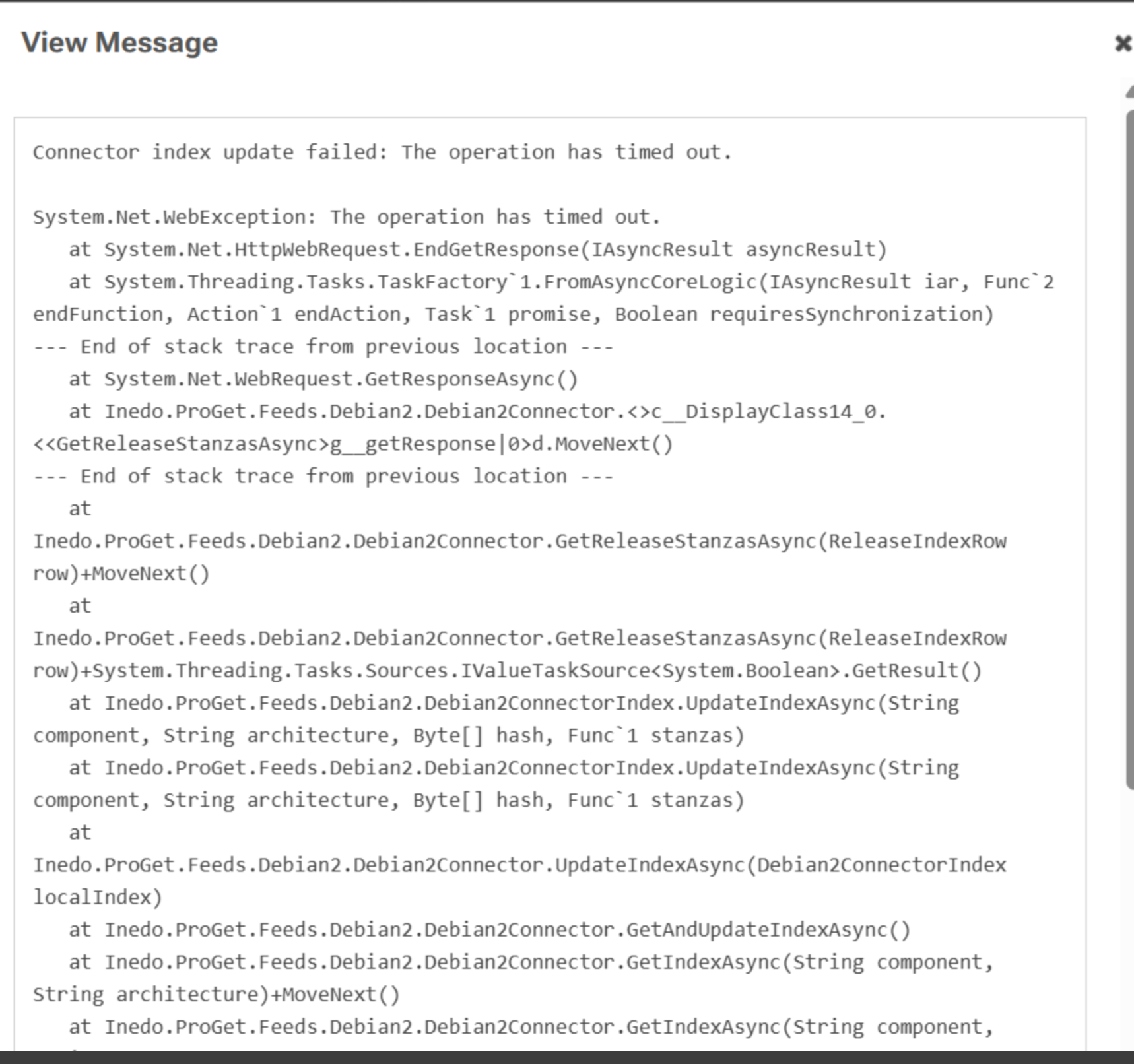
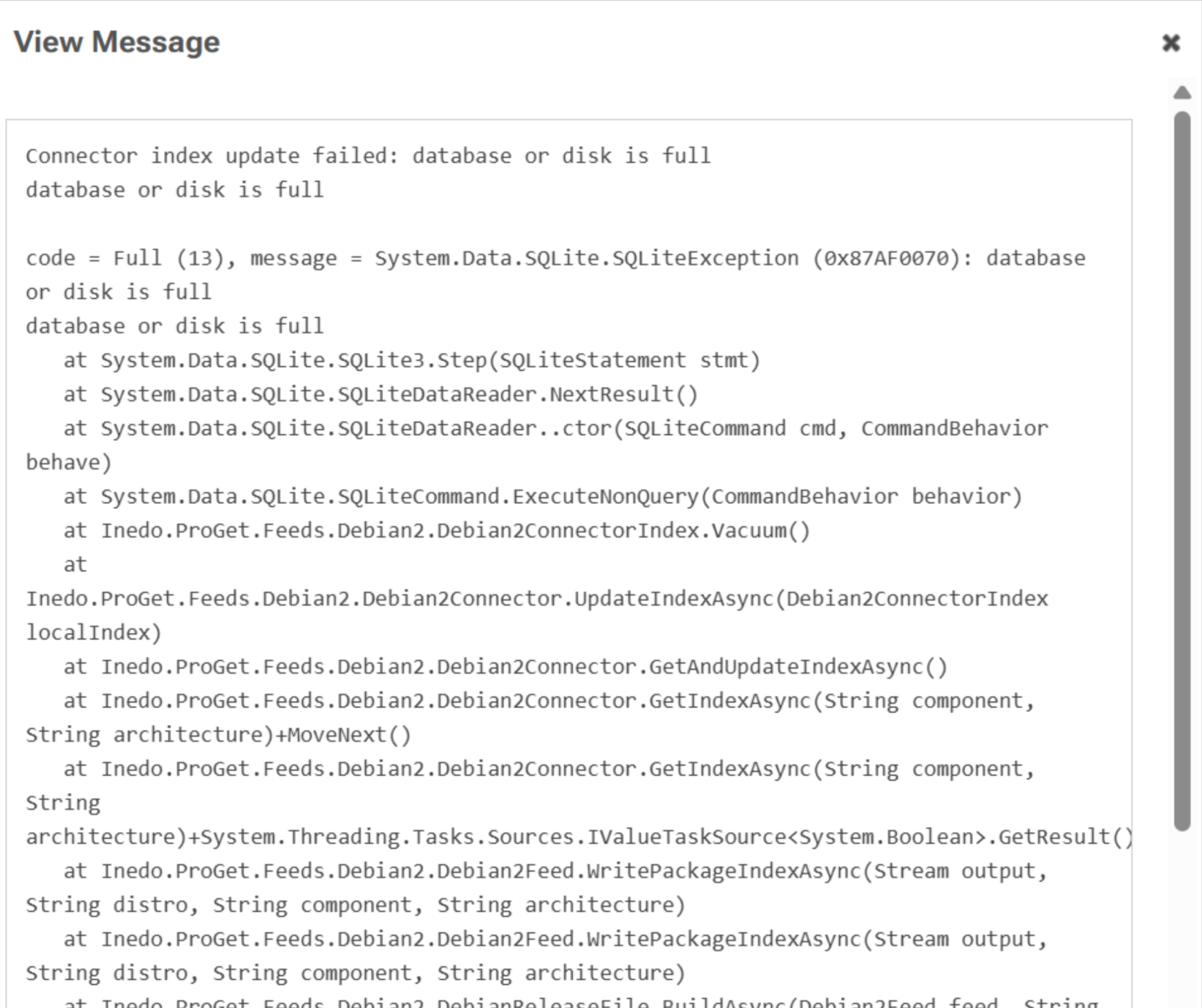
And then server used to get stuck many times without responding.
We assume it could be because of this. And deleted all 4 connectors that we added.
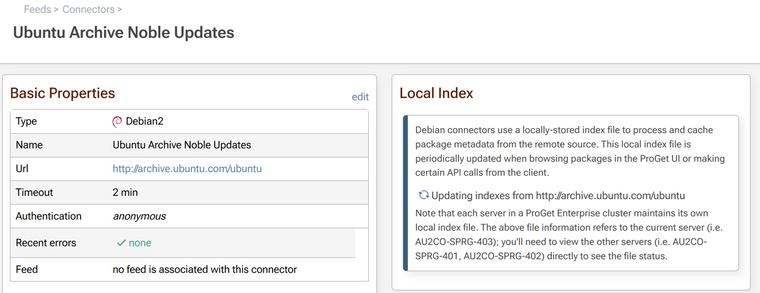
Not it looks fine.
When we checked event logs we found above error. This happened for 2 days after these connectors are added. Today we didn't get this error after deleting all the connectors related to ubuntu. Let us know if this is an issue from proget.
Thanks
Parthu -
Hi @parthu-reddy ,
I'm not sure if there's a relation here, but perhaps. The "running out of disk space" is not surpsing if you're indexing mega-repositories like the public debian repos. They are gigabytes in size. Here's some more info about those:
https://blog.inedo.com/inedo/proget-2025-14-major-updates-to-debian-feedsYou definitely want to switch to Indexing Jobs when you connect to public repops.
This can be set at operating system level (it's the
%ProgramData%special folder) or in ProGet under Admin > Advanced Settings > LocalStorage.Anyway this is somethitng best brought up as a separate topic if you have follow-ups (if you don't mind), I'd hate to pollute this thread with debian/indexing questions :)
Cheers,
Alana


Hello! It looks like you're interested in this conversation, but you don't have an account yet.
Getting fed up of having to scroll through the same posts each visit? When you register for an account, you'll always come back to exactly where you were before, and choose to be notified of new replies (either via email, or push notification). You'll also be able to save bookmarks and upvote posts to show your appreciation to other community members.
With your input, this post could be even better 💗
Register Login