Welcome to the Inedo Forums! Check out the Forums Guide for help getting started.
If you are experiencing any issues with the forum software, please visit the Contact Form on our website and let us know!
Not able to upload .spd files to proget assets
-
Hi Team
We're using proget 2024.37 (Build 4) and trying to upload .spd files to an assets, and we're getting error like below.
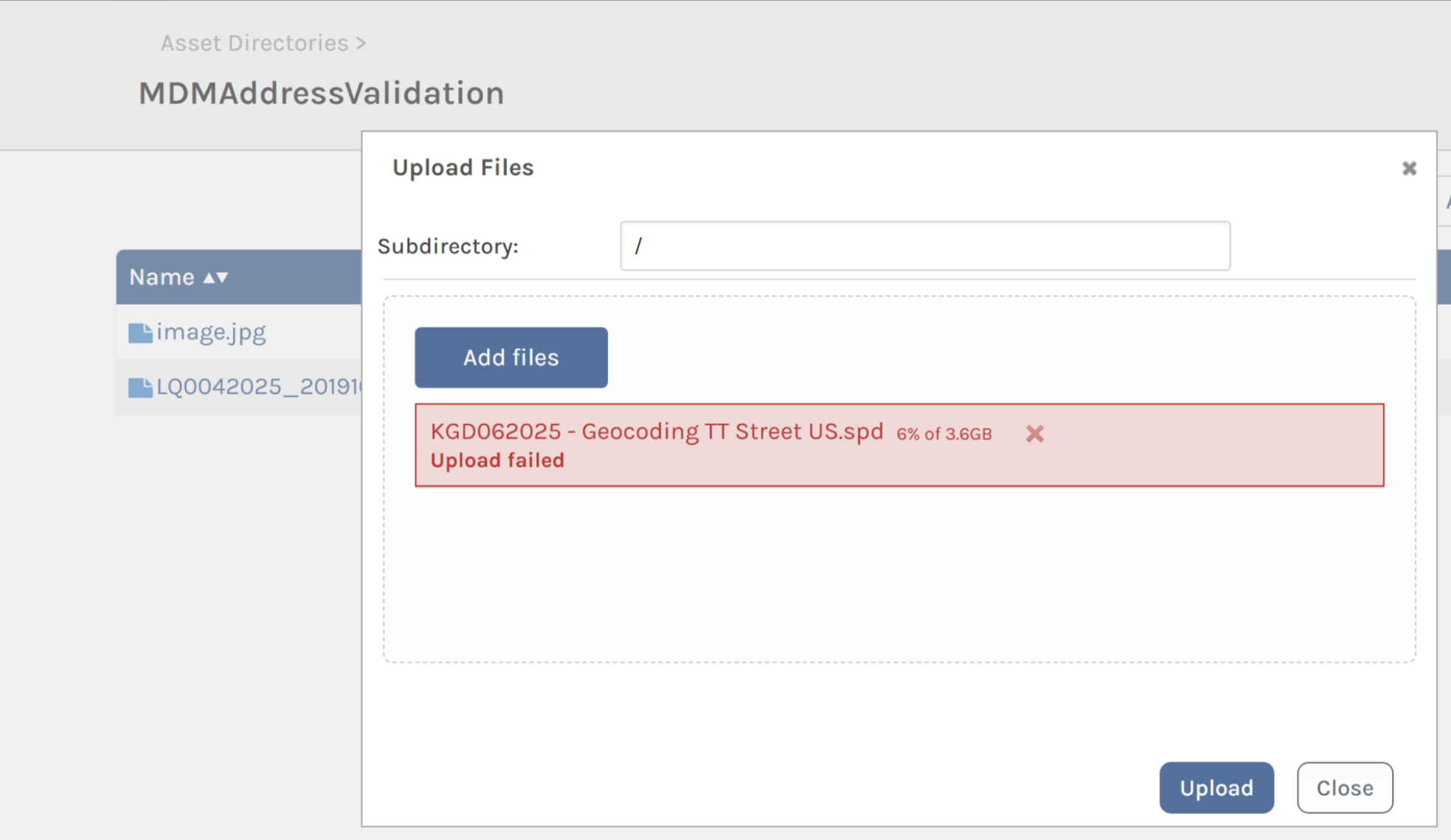
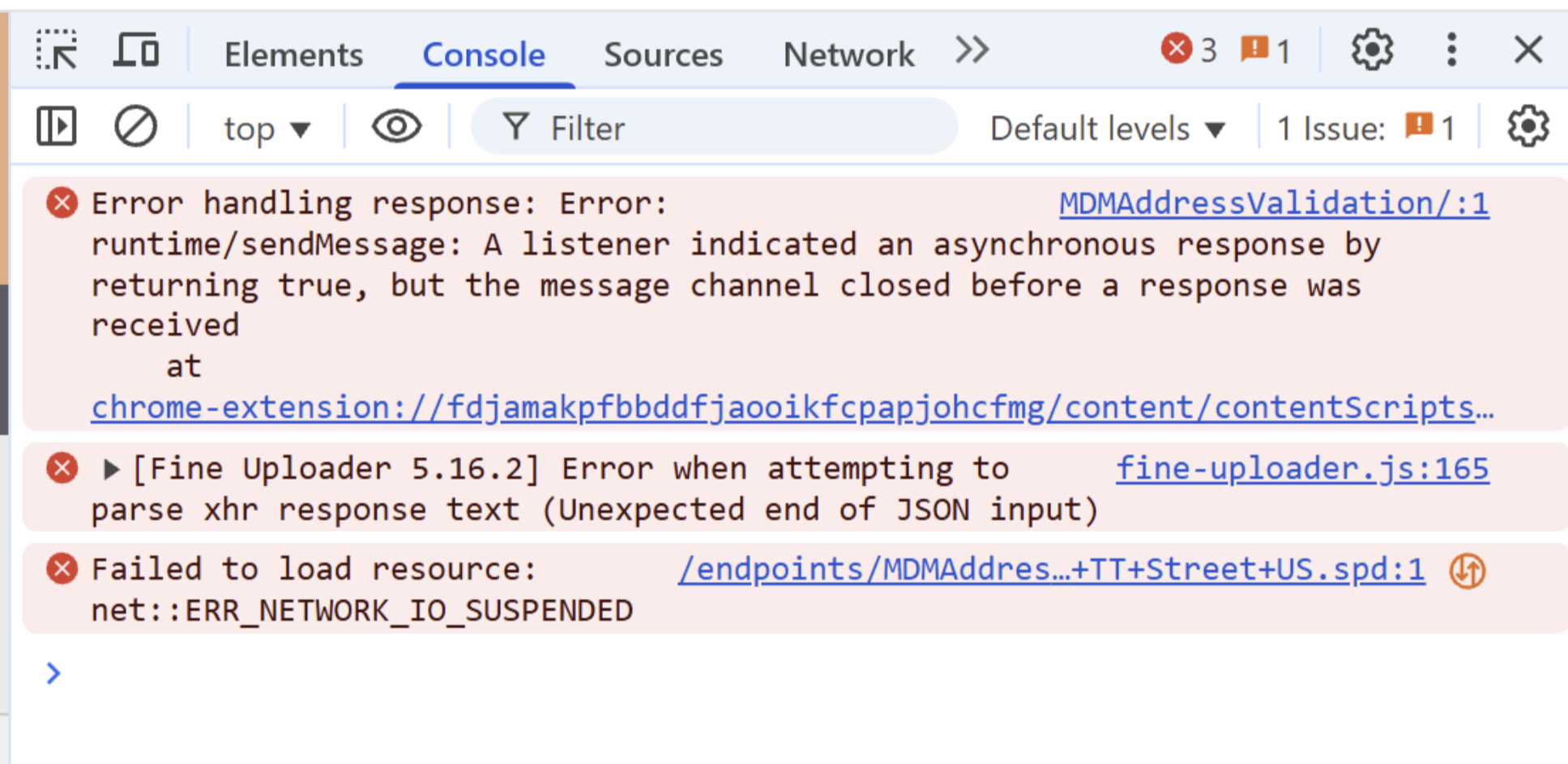
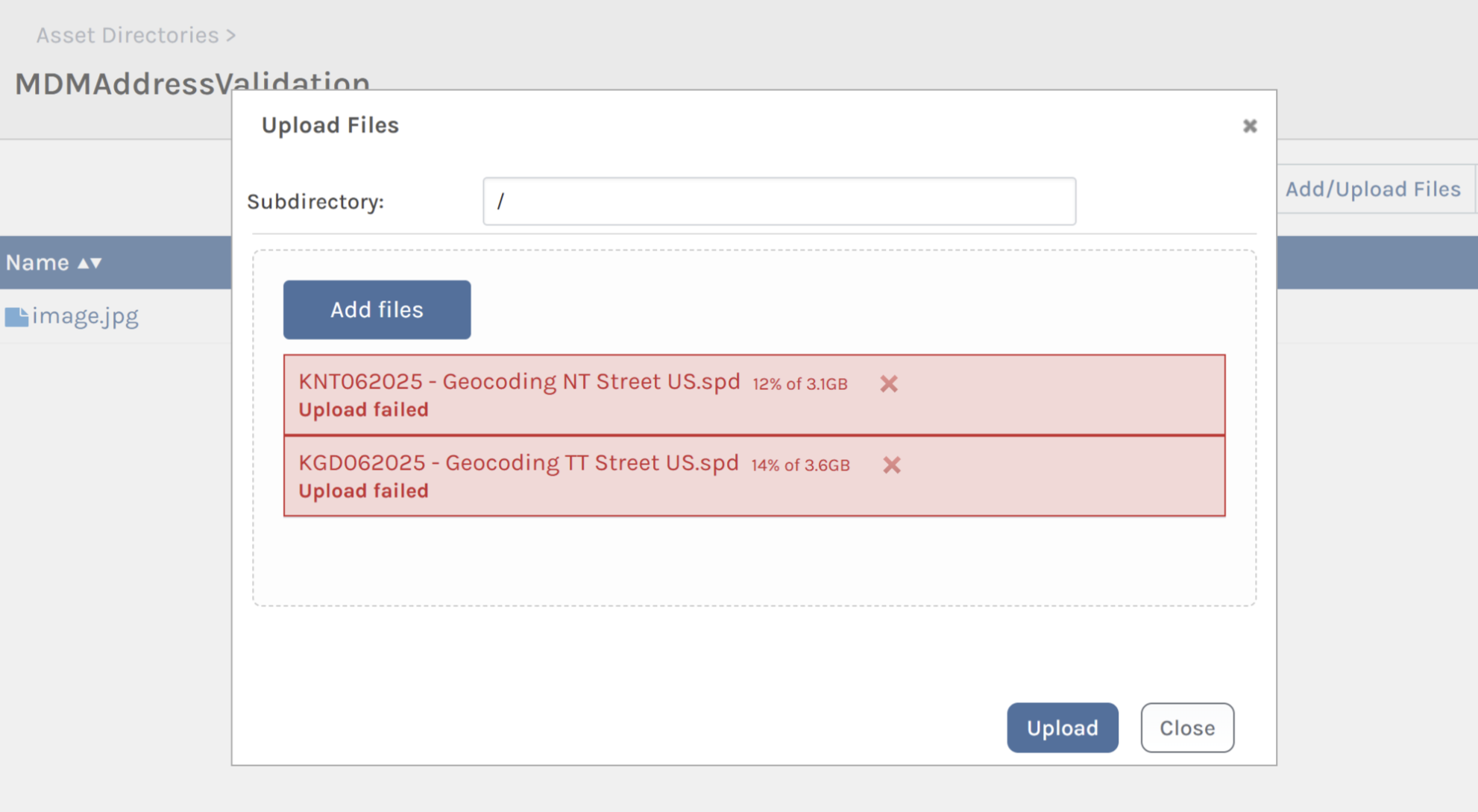
We've checked with our firewall team and they mentioned this.

Pls suggest on this.
Thanks
Parthu -
Hi @parthu-reddy ,
There's nothing in ProGet that would cause a file name ending with a
.spdfail. Just to double check that it's not related to the file name, I would rename it and see if it works.The main thing that's jumping out to me is that there are large files (3.1GB). Those are uploaded using a chunked process, orchestrated by the browser. I would keep "playing" with this and see if you can identify any patterns.
The message from your firewall team is saying that they are seeing
RSTmessages from the client and server. That's unusual, and means the connection is forcibly closed. ProGet does not operate at the network level and there is nothing that can cause ProGet to issue anRSTcommand, which means it's most certainly network related.I think you're on the right track with investigating at the network side -- but unfortunately you're going to have to find out what is issuing a RST. The firewall might not, but maybe there are other network devices that are?
Maybe something is "taking too long" and getting RST.
Thanks,
Steve -
Hi @stevedennis
Can we know how we could enable verbose logging to check for any connectivity failures.
Thanks
Parthu -
Hi @parthu-reddy ,
Since these are network-level errors, you would need to use a tool like Wireshark or another packet analyzer to troubleshoot these kind of connectivity failures.
Thanks,
Alana -
Hi @atripp
We found that as we're running 3 clustered servers behind haproxy(load balancer) these chunked data is sent to different servers and resulting in file being used by another process error.
We've changed the load balancing to sticky and all chunks are going through single server resulting in successful upload.
I believe this has to be fixed by proget. Could you look into it.
Thanks
Parthu -
Hi @parthu-reddy,
Thanks for discovering/confirming that; unfortunately we're not able to reproduce this issue, as the multi-part / chunked uploads already take into account multiple servers.
- Chunked upload sessions are persisted in the shared database (
ChunkedUploadstable) - Bytes are appended to a file stored in shared store
Would you be able to dig into the request patterns a little more? I suspect there's "something" configured on the load-balancer that's "doing something weird" with these ranged requests.
The Multipart Upload API explains what's happening behind the scenes, and you may find that using
pgutil assets uploadis easier to troubleshoot.Thanks,
Steve - Chunked upload sessions are persisted in the shared database (


Hello! It looks like you're interested in this conversation, but you don't have an account yet.
Getting fed up of having to scroll through the same posts each visit? When you register for an account, you'll always come back to exactly where you were before, and choose to be notified of new replies (either via email, or push notification). You'll also be able to save bookmarks and upvote posts to show your appreciation to other community members.
With your input, this post could be even better 💗
Register Login