Some versions of certain packages produce 404 responses in the UI.
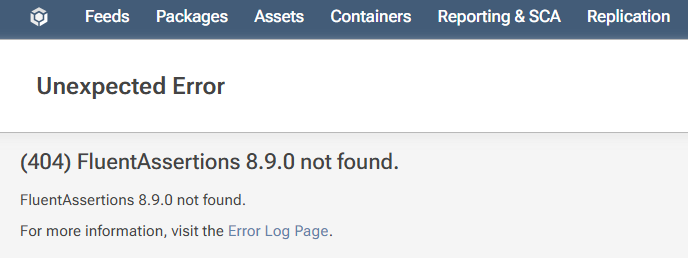
Error from the log:
An error occurred in the web application: FluentAssertions 8.9.0 not found.

URL: https://redacted/FluentAssertions/8.9.0
Referrer: https://redacted/FluentAssertions/versions
User: Daniel
User Agent: Mozilla/5.0 (Windows NT 10.0; Win64; x64) AppleWebKit/537.36 (KHTML, like Gecko) Chrome/147.0.0.0 Safari/537.36
IP Address: ::ffff:10.1.2.4
Stack trace:    at Inedo.ProGet.WebApplication.Pages.Packages.PackagePageBase.CreateChildControlsAsync()
   at Inedo.ProGet.WebApplication.Pages.ProGetSimplePage.InitializeAsync()
   at Inedo.Web.PageFree.SimplePageBase.ExecutePageLifeCycleAsync()
   at Inedo.Web.PageFree.SimplePageBase.ProcessRequestAsync(AhHttpContext context)
   at Inedo.Web.AhWebMiddleware.InvokeAsync(HttpContext context)

::Web Error on 30/04/2026 14:26:51::
Why is this happening and how can I fix it?