Welcome to the Inedo Forums! Check out the Forums Guide for help getting started.
If you are experiencing any issues with the forum software, please visit the Contact Form on our website and let us know!
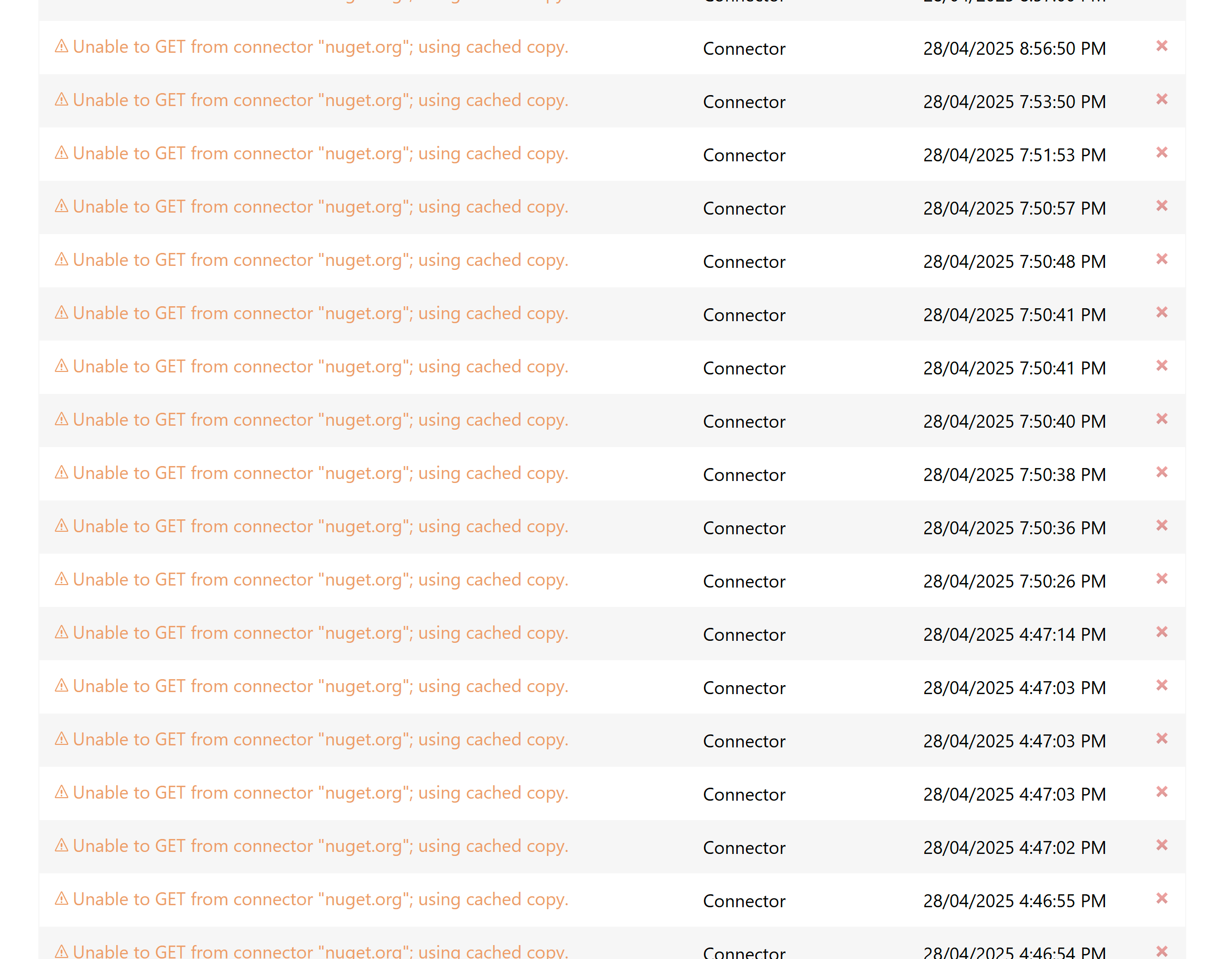
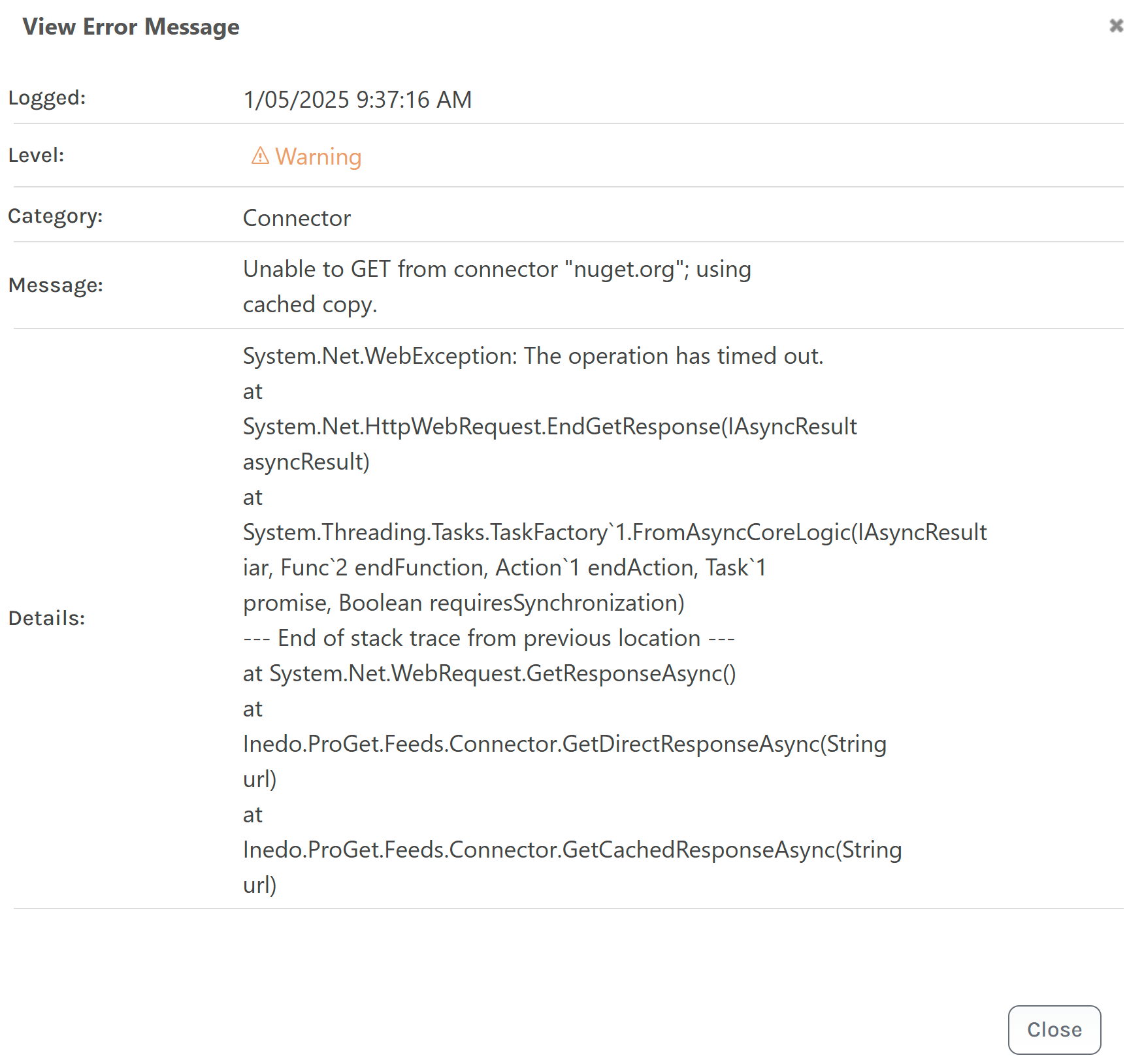
Unable to GET from connector "nuget.org"; using cached copy.
-
Hi Team
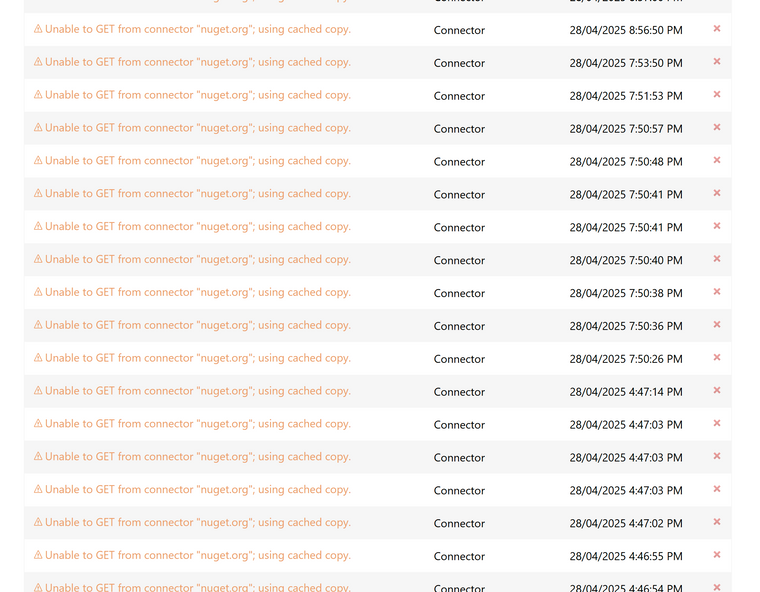
Recently we got too many of these warnings. Can we know when this occurs.
Thanks
Parthu -
Hi @parthu-reddy,
This basically means that ProGet was unable to communicate with
nuget.orgfor one reason or another. More specifically... ProGet didn't receive a timely response.Usually it's a temporary outage or network issue, and will hopefully go away and not cause any issues.
Thanks,
Steve -
Hi Steve
Thanks for the info. A question, normally proget fetches from connector if a package is not available locally right. In this case is it trying to download new package and has timeout or some network issue? If that's the case what can it fetch from cached copy?
Is it possible to know what it's requesting for.
Thanks
Parthu -
Hi @parthu-reddy,
If you (the NuGet client) requests the
NewtonSoft.Json-13.0.0package, and ProGet already has that package cached , then ProGet will return the package without ever contacting NuGet.org.However, the NuGet client will also request a list "all versions of
NewtonSoft.Jsonwhen doing a package restore. I don't know why, that's just what it does.In this case, ProGet will contact the connector (NuGet.org) and aggregate the remote/local results. If the connector is unreachable (as in the case above), ProGet will log a warning and instead return a list of "all (cached) versions of NewtonSoft.Json`... which will be probably all that's needed.
This is likely why no one has complained/noticed and jobs aren't failing.
Thanks,
Steve -
Hi @stevedennis
Just need some more info. What is the configured time for timeout. Are you maintaining any connection pool for number of connections to nuget.
Thanks
Parthu -
Hi @parthu-reddy ,
The default Timeout is 10 seconds, but you can configure it on each connector.
There is no "connection pool" for NuGet -- these are just normal HTTP connections like your browser or any other web api.
Thanks,
Steve -
Hi @stevedennis
Thanks for the info.
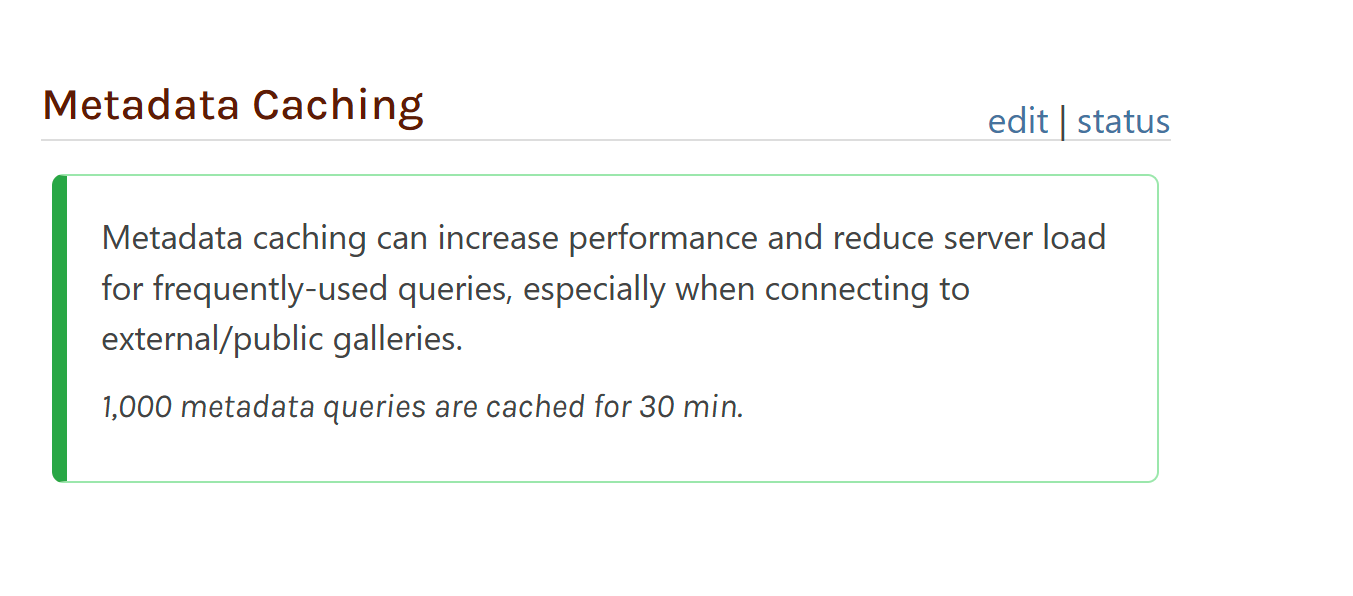
Another question, where is this metadata-caching stored? On the proget server or in DB?Why I'm asking is, if we add new server to cluster, does this cause increase in requests to nuget.org if the caching is done on server locally?
Does this metadata caching feature reduce the queries to fetch versions that you mentioned?

And can I get links to this caching. Does this
Thanks
Parthu -
Hi @parthu-reddy ,
These are stored in the database and if you click "status" you can see the cached queries.
Does this metadata caching feature reduce the queries to fetch versions that you mentioned?
Yes, instead of going to NuGet.org, the database will be queried.
HOWEVER, this may actually reduce performance; NuGet.org is a static file system running on Azure Blob storage, and it might be quicker to download the query from Azure than to query your SQL Database.
You'd really need to expirement and see which is faster / more load.
Thanks,
Alana -
Hi @stevedennis / @atripp
We're getting lot of these errors after removing the cache configuration
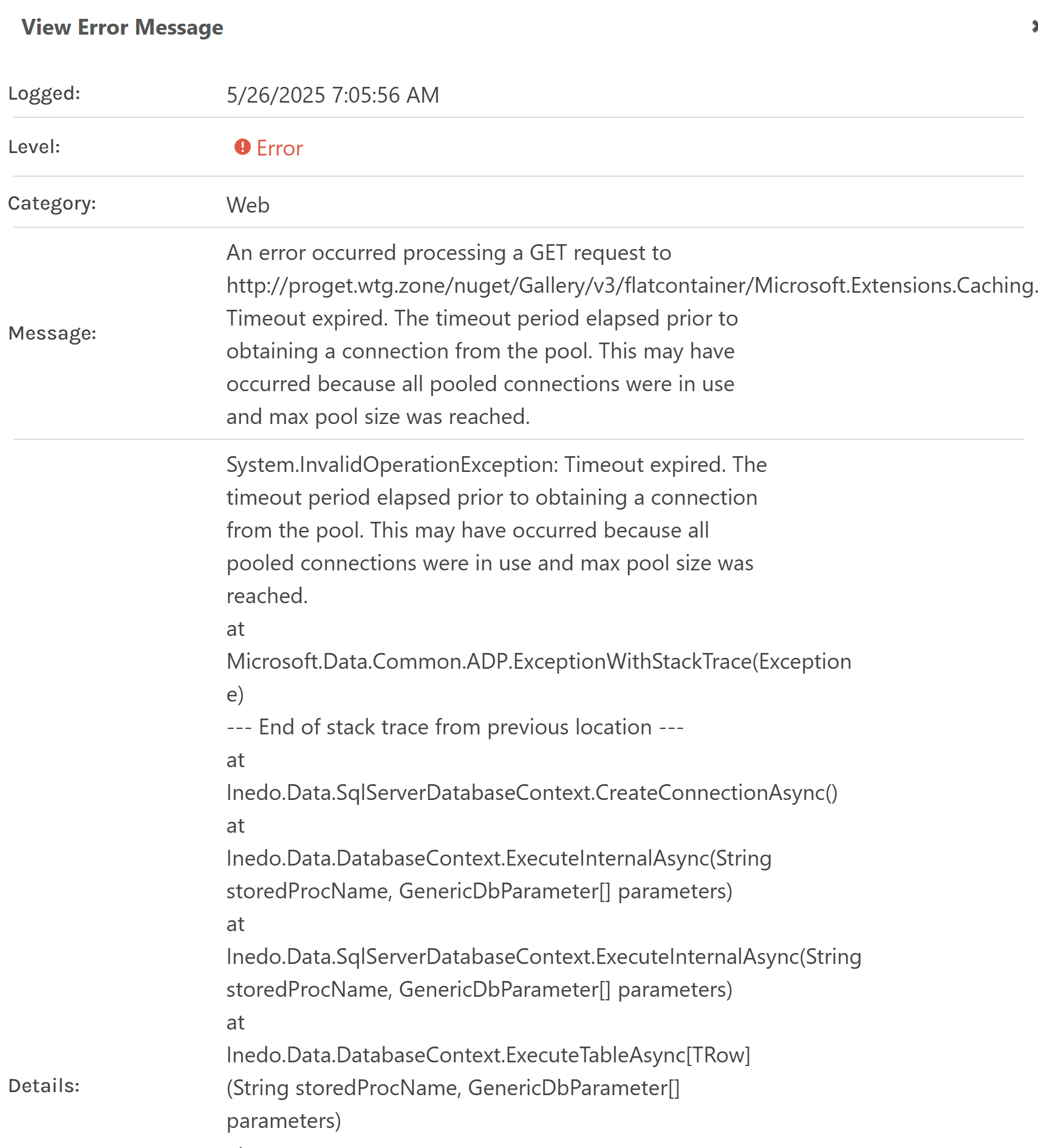
Why are we getting connection pool error when there's no connection pool?
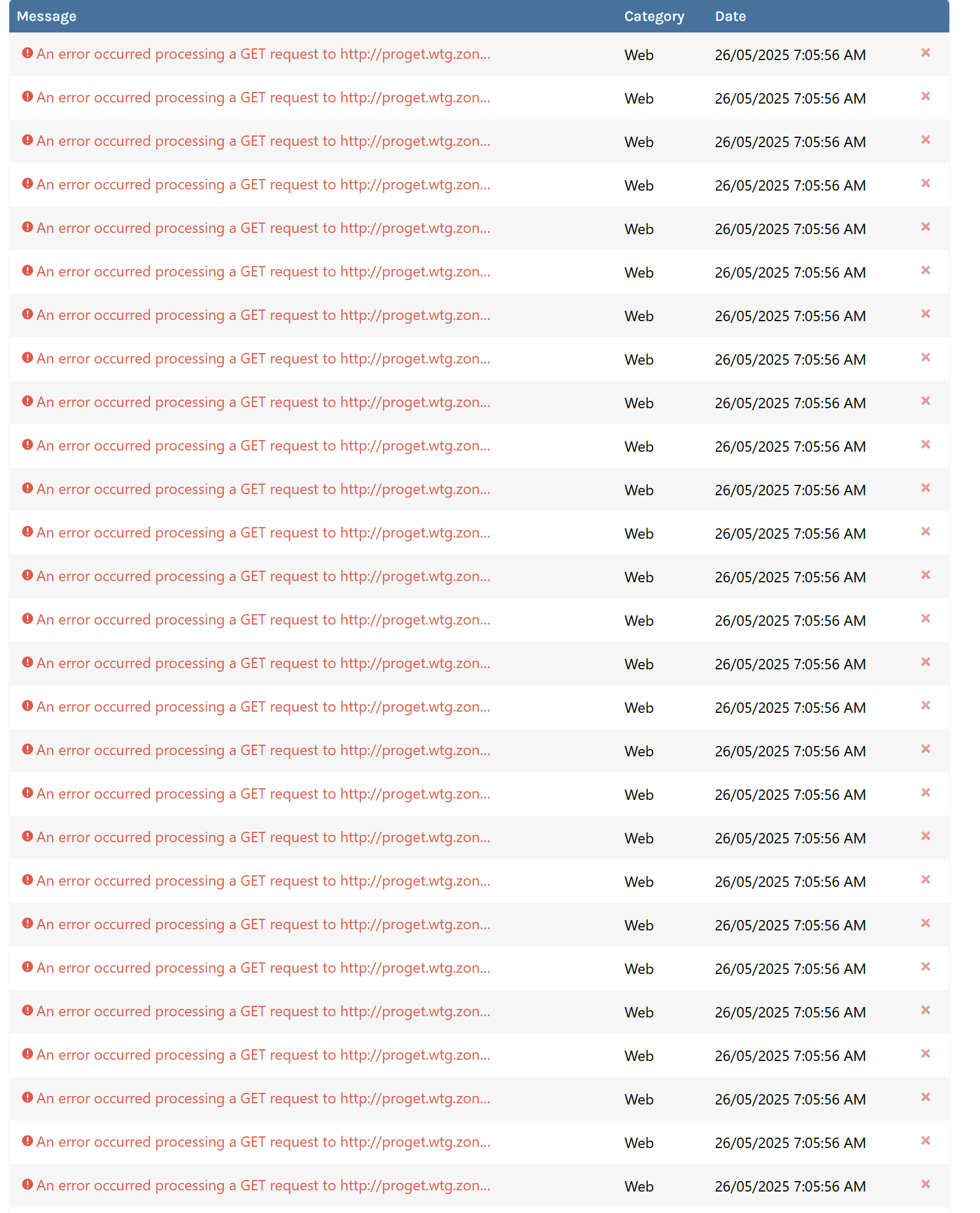
Thanks
Parthu -
Hi @parthu-reddy ,
This looks more related to Server Overload / Database than anything to me. Note how all the requests are coming in at exact same second. Can you throttle your load balancer a bit, so they don't all hit at the same time? Even a slight delay will help.
FYI - we are tracking a recent regression to SQL Server analysis engine (???) that is causing one particular query (NuGet_GetPackage) to go incredibly slow under extreme traffic. For some reason, it's using the wrong plan suddly. It's been happening to a few users after a recent upgrade/patch to SQL Server. We have a work-around but would like to test it in the field against a user.
Thanks,
Alana


Hello! It looks like you're interested in this conversation, but you don't have an account yet.
Getting fed up of having to scroll through the same posts each visit? When you register for an account, you'll always come back to exactly where you were before, and choose to be notified of new replies (either via email, or push notification). You'll also be able to save bookmarks and upvote posts to show your appreciation to other community members.
With your input, this post could be even better 💗
Register Login