Welcome to the Inedo Forums! Check out the Forums Guide for help getting started.
If you are experiencing any issues with the forum software, please visit the Contact Form on our website and let us know!
HTTPS not working when setup within ProGet web interface
-
Hey all,
Following https://docs.inedo.com/docs/installation/installing-on-iis/installation-windows-https-support to setup my instance to use SSL and it just....doesn't work.
I'm using a Let's Encrypt certificate installed in the LocalMachine\My (Personal) store. This certificate is valid, and in use by other working services on this server.
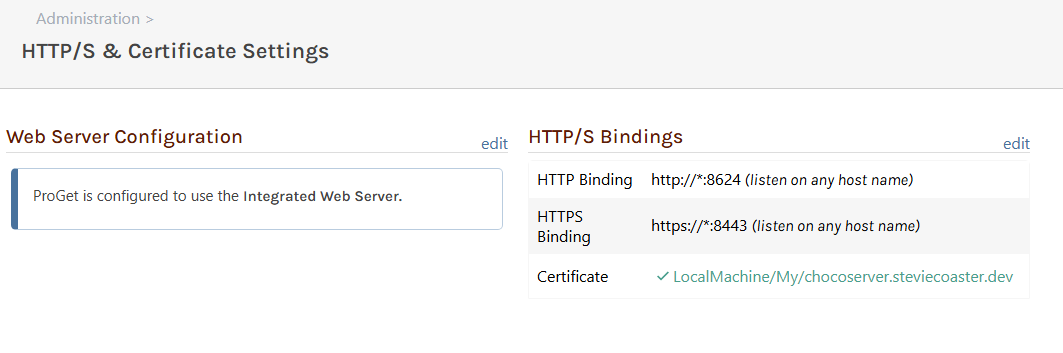
I don't see any issues within the web interface of proget:
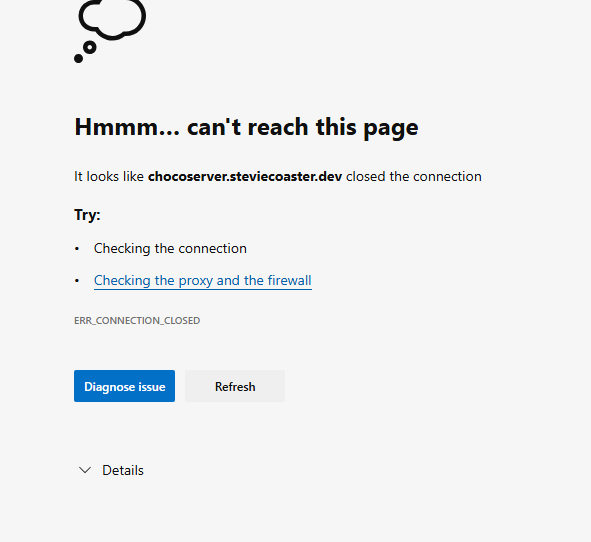
Despite this, it seems I cannot reach the instance via https:
There is something in the logs though. Looks like the proget service running as Network Service doesn't have permission to the private key of my cert:
A fatal error occurred when attempting to access the TLS server credential private key. The error code returned from the cryptographic module is 0x8009030D. The internal error state is 10001.
 The SSPI client process is ProGet.Service (PID: 8016).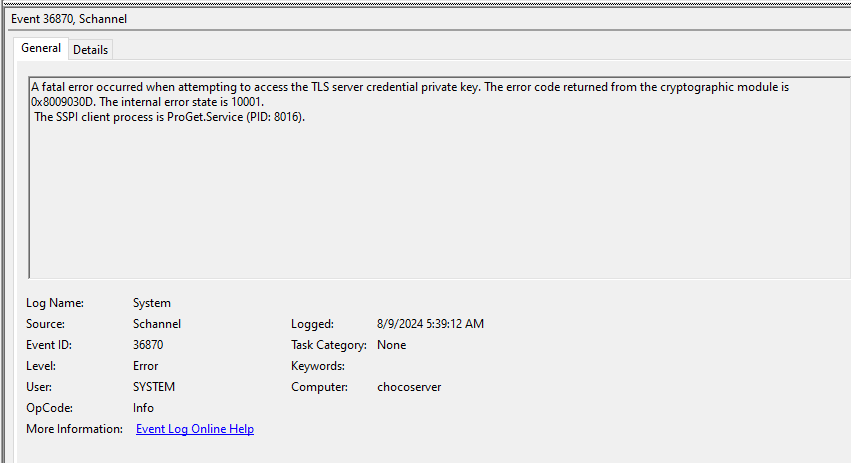
I'm going to attempt to set it up with one of the other methods and see if I get it working that way, but any guidance on what seems the "easiest" way, would be helpful :)
-
Oh, it would be helpful of me to tell you that I'm running ProGet 2024.11 (Build 10)
-
I found some time to dig into this again this morning. I've switched to attempting to use my PFX file directly. It is still not functioning over SSL but the error in the browser has changed! I guess that's progress :)
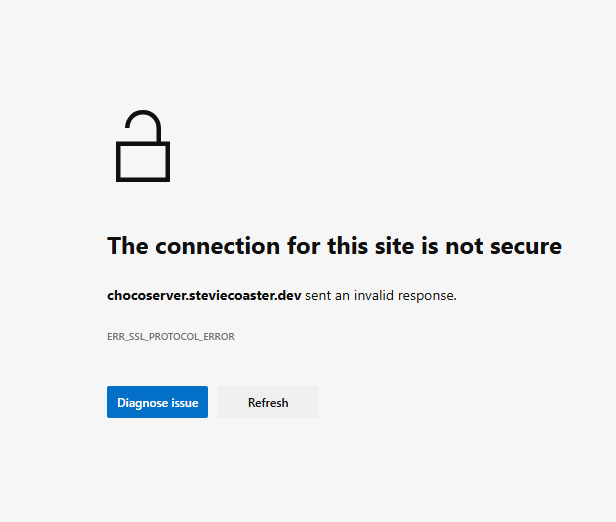
For completeness here is what I've got in the settings:
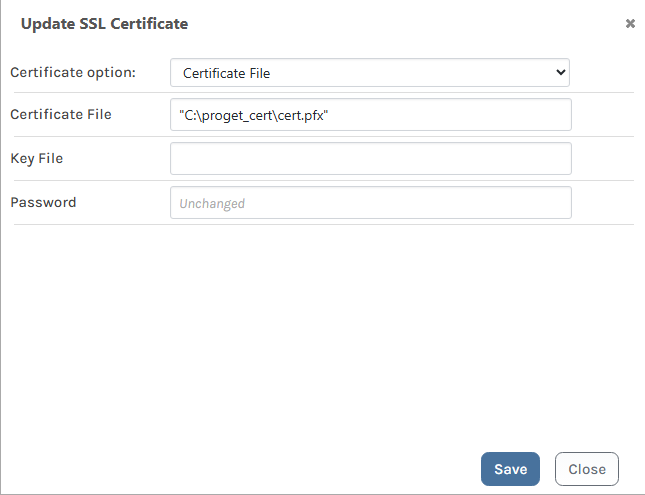
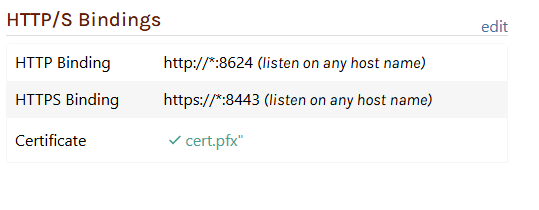
It looks like some new info in the Event Logs has appeared, but without a debugger is not very useful to me:
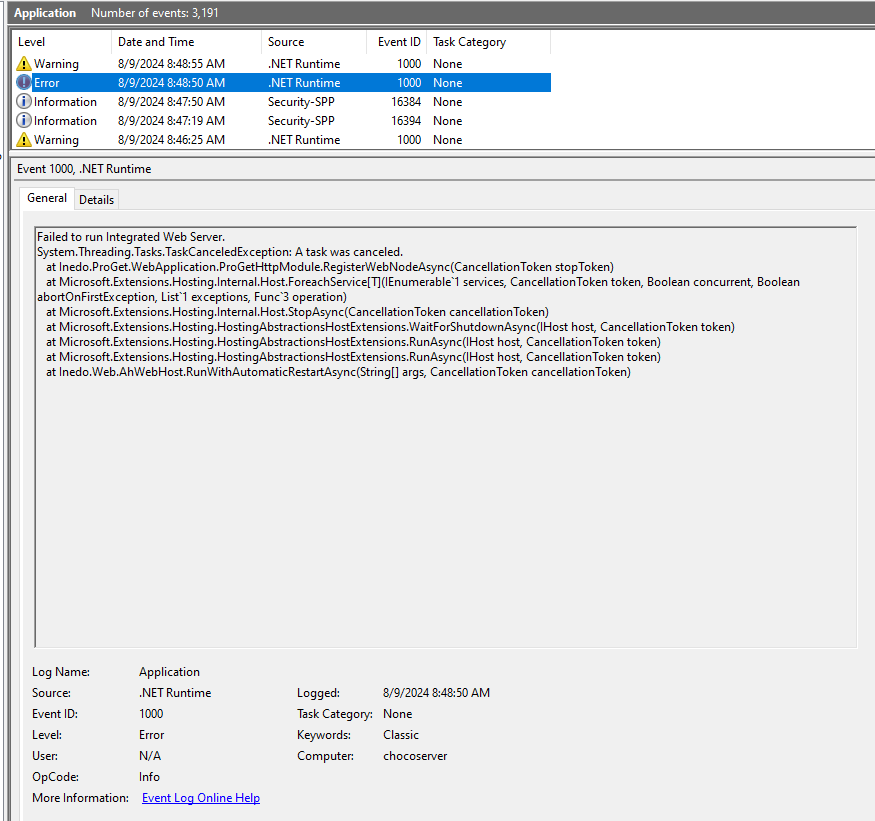
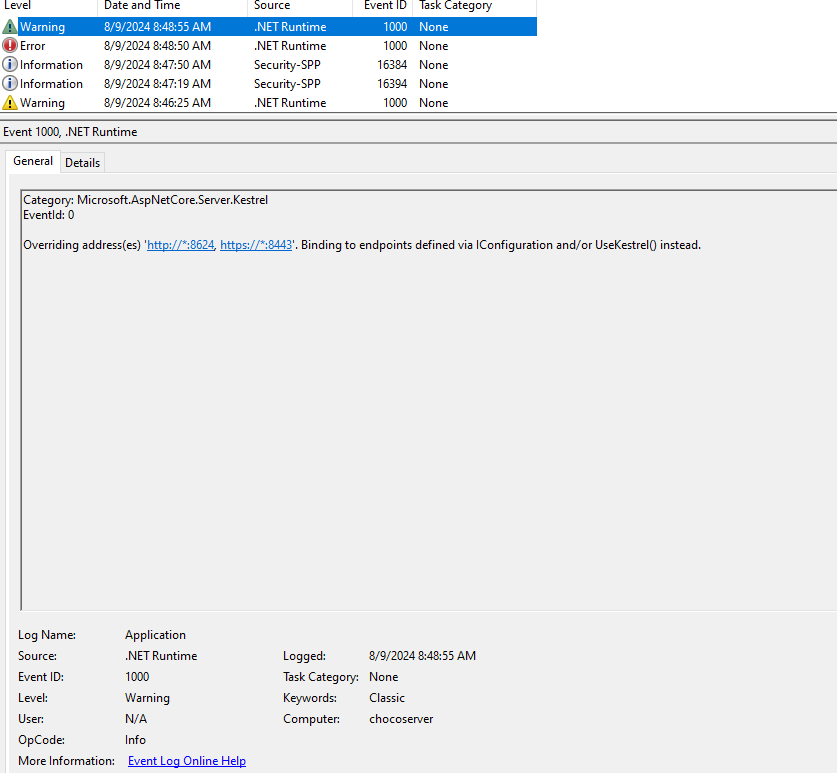
Again, happy to provide any further info you may need.
-
HAZZAH! I got it!
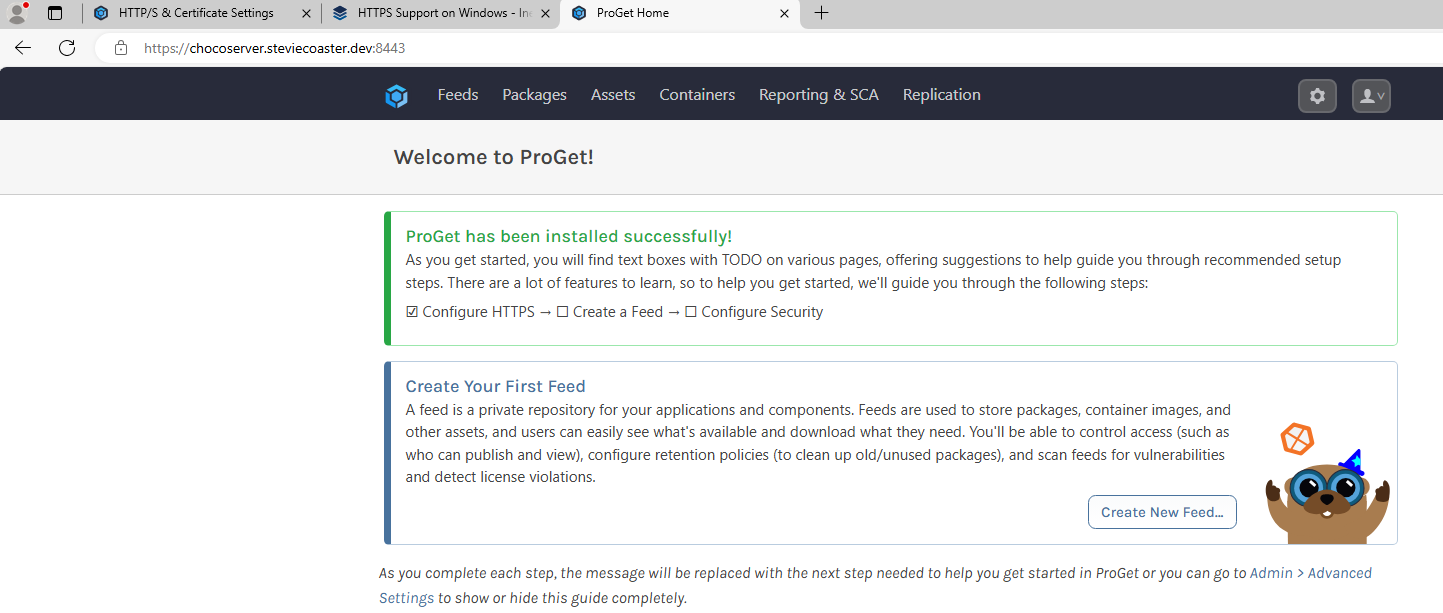
The problem was in C:\ProgramData\Inedo\SharedConfig\ProGet.config
CertFile=""C:\proget_cert\cert.pfx""Should be:
CertFile="C:\proget_cert\cert.pfx"Pretty sure it's because I used "Copy as Path" and used the resulting string verbatim, which url ended my string, which wrote literally to the config file. Chaulk this one up to a Friday, but for folks landing here later with maybe the same thing: Don't put the path to your cert file in quotes.
-
@steviecoaster glad you were able to figure it out :)
Easy typo and we should consider a validator on that "Update SSL Certificate" page as well to save a headache like this!
-
I'm not sure the rules on posting links to gists, so if this breaks one, delete it. However, once I got my feet under me with setting ups HTTPS I went ahead and wrote some code so I can automate it. It assumes a few things, and could be improved but for my use case it is flexible where it needs to be. Enjoy!
https://gist.github.com/steviecoaster/0a2c0d4b09988dedf8e1df1844ec6b8a
-
@steviecoaster great, thanks for sharing!
I added this to our documentation (https://github.com/Inedo/inedo-docs/pull/253), but apparently I don't have ability to merge PRs in that repo so it'll go live sometime later I'm sure


Hello! It looks like you're interested in this conversation, but you don't have an account yet.
Getting fed up of having to scroll through the same posts each visit? When you register for an account, you'll always come back to exactly where you were before, and choose to be notified of new replies (either via email, or push notification). You'll also be able to save bookmarks and upvote posts to show your appreciation to other community members.
With your input, this post could be even better 💗
Register Login