Welcome to the Inedo Forums! Check out the Forums Guide for help getting started.
If you are experiencing any issues with the forum software, please visit the Contact Form on our website and let us know!
Maven Andriod Endpoint URL
-
Hi Everyone,
We are trying to work out the endpoint for the Maven Android feeds at Google. We have tried the following with no success.
https://dl.google.com/dl/android/maven2
https://dl.google.com
https://dl.google.com/android/maven2
https://maven.google.com/web/index.htmlAny help would be great.
Cheers Scott
-
Hi @scott-wright_8356 ,
I'm not sure, but based on this URL:
https://maven.google.com/web/index.html#android.arch.core:common:1.1.1I can see that the POM for
android.arch.core.common 1.1.1is located here:
https://dl.google.com/android/maven2/android/arch/core/common/1.1.1/common-1.1.1.pomSo the base URL would be:
https://dl.google.com/android/maven2That should work, since maven works by convention. You will not see a listing of artifacts unfortunately, since Maven does not provide an index. You just need to know the articats by name, then append maven-metadata.xml.
As expected, the metadata file for that artifact is here:
https://dl.google.com/android/maven2/android/arch/core/common/maven-metadata.xmlCheers,
Alana -
@atripp said in Maven Andriod Endpoint URL:
We have a problem with this on our old server. We have the packages on the feed. We have imported them to the new ProGet Server. The connector is setup correctly.
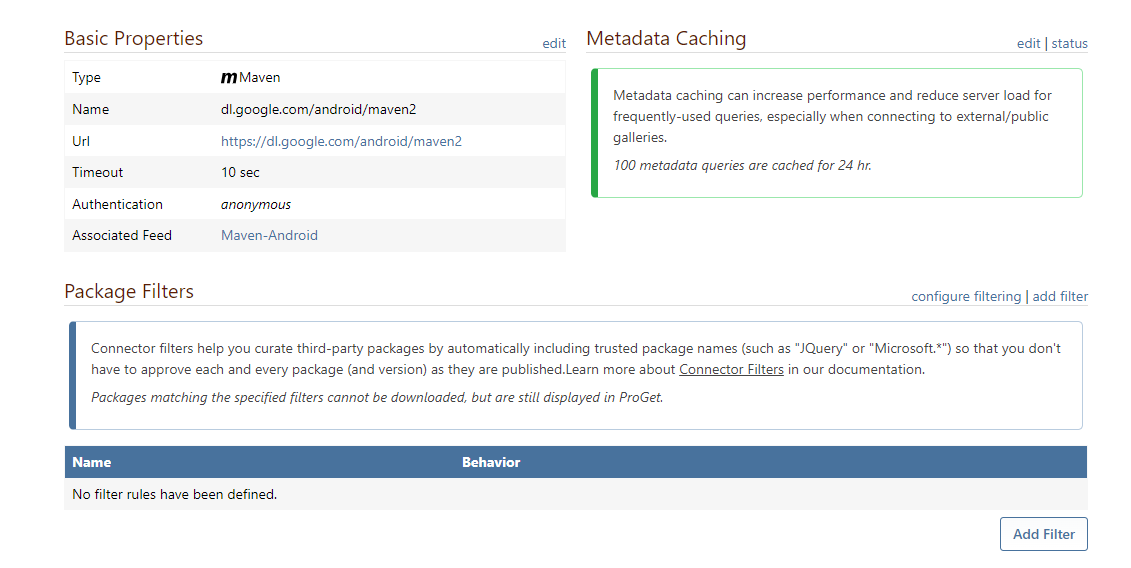
It is healthy

It is connected to the feed.
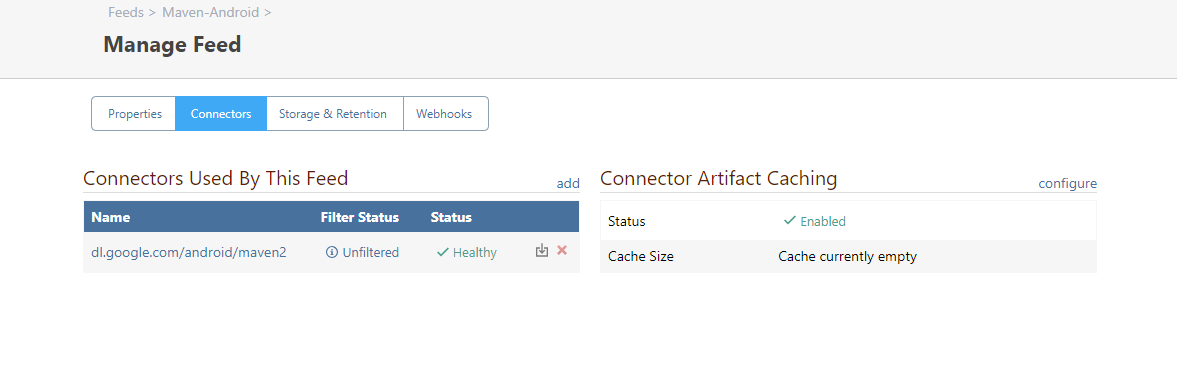
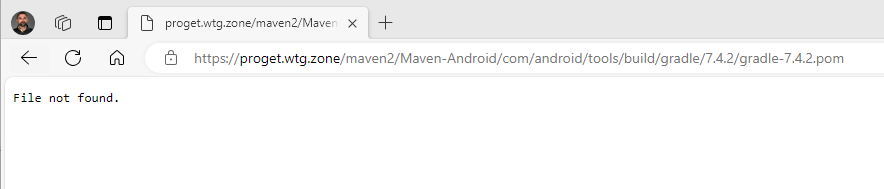
When we request the package, we are after we get the following.
We have attempted to import the old servers' packages directory as a temporary fix, but we get the following error for all the imports from the other package directory.
Added Maven Package com.android.tools.build/gradle 1.5.0.
Could not add file "\proget-smb.wtg.zone\Proget\F12\android.arch.core\common\1.1.0\common-1.1.0-sources.jar". There was not matching pom file.
Could not add file "\proget-smb.wtg.zone\Proget\F12\android.arch.core\common\1.1.0\common-1.1.0.jar". There was not matching pom file.When we look at packages that were successfully imported, we get the following error:
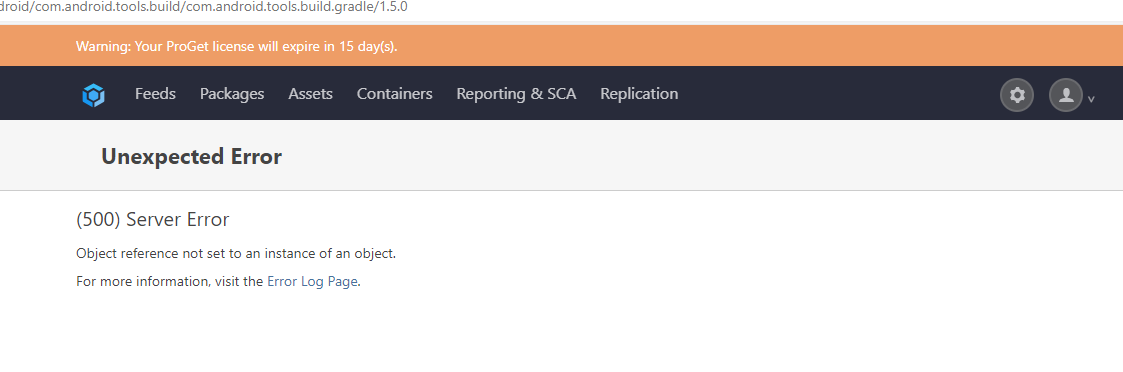
With a corresponding record in the diagnostic log.
Level:Error Category:Web Message:An error occurred in the web application: Object reference not set to an instance of an object. Details:URL: http://proget.wtg.zone/feeds/Maven-Android/com.android.tools.build/com.android.tools.build.gradle/1.5.0 Referrer: https://proget.wtg.zone/packages User: SW User Agent: Mozilla/5.0 (Windows NT 10.0; Win64; x64) AppleWebKit/537.36 (KHTML, like Gecko) Chrome/122.0.0.0 Safari/537.36 Edg/122.0.0.0 Stack trace: at Inedo.ProGet.Feeds.Maven.MavenFeed.Inedo.ProGet.Feeds.IBrowsablePackageFeed.ListPackageVersionsAsync(BrowsablePackageId id) at Inedo.ProGet.WebApplication.Pages.Packages.PackagePageBase.CreateChildControlsAsync() at Inedo.ProGet.WebApplication.Pages.ProGetSimplePage.InitializeAsync() at Inedo.Web.PageFree.SimplePageBase.ExecutePageLifeCycleAsync() at Inedo.Web.PageFree.SimplePageBase.ProcessRequestAsync(AhHttpContext context) at Inedo.Web.AhWebMiddleware.InvokeAsync(HttpContext context) -
Hi @scott-wright_8356,
It's a bit hard to figure out how to help or troubleshoot with the information here, but a few key points:
- A "healthy" Maven connector doesn't really mean much; just that the URL can be accessed by the ProGet server.
- A Maven repository (like the one you are linking to) is just a "web file system" with url/folder based conventions
- A Maven "package" consists of a .pom file and zero or more other files (.jar); think of it liked an unzipped package that you can add/delete files from
- This is why you can't import only .jar files - you need the .pom file (which serves as the package manifest)
- Sometime marvin "packages" contain malformed .pom files that happen to work in some versions of the client, and ProGet will sometimes error on reading those; maybe that's what happening here
To help on this, we'll need to know specifically where the issue is and have instructions on how to reproduce it on a new feed/instance of ProGet.
First, I would start by trying to download the .pom file and .jar files from Google (like that gradle one you found), then upload them to ProGet from the Web UI. If that doesn't work, then we know the POM file is probably bad, and we can investigate it.
Next, I would try to pull the pom/jar from a connector. If that doesn't work (but uploading it does), then maybe the "API" for that repository is incorrect. And we can investigate it.
Best,
Alana -
Thank you Alana,
I will investigate a lot more and see if I can work something out over the weekend. Will post back here the results if still stuck.
-
@atripp We determined what the issue was. Our firewall had application identification enabled and hence blocked it. Can we find out what the Connector Health check is doing? In our case, some connectors were not healthy. ProGet was reporting healthy in its checks.
Regards Scott
-
Hi @scott-wright_8356,
I looked into this further; for Maven feeds, the Connector Health Check simply queries the downloaded index. If there is no downloaded index, then it reports back as healthy. If there's an error with the index, it reports an error. However, most maven repositories don't have a downloadable index.
Anyway the health check is not very useful, and we plan to revisit the functionality in the future, since there's really no way to determine if ProGet can download an artifact unless you know the exact name.
Thanks,
Alana

Hello! It looks like you're interested in this conversation, but you don't have an account yet.
Getting fed up of having to scroll through the same posts each visit? When you register for an account, you'll always come back to exactly where you were before, and choose to be notified of new replies (either via email, or push notification). You'll also be able to save bookmarks and upvote posts to show your appreciation to other community members.
With your input, this post could be even better 💗
Register Login