Inedo Community Forums Forums
    • Recent
    • Tags
    • Popular
    • Login

    Welcome to the Inedo Forums! Check out the Forums Guide for help getting started.

    If you are experiencing any issues with the forum software, please visit the Contact Form on our website and let us know!

    Help with Git raft in Otter

    Scheduled Pinned Locked Moved Support
    26 Posts 5 Posters 57 Views
    Loading More Posts
    • Oldest to Newest
    • Newest to Oldest
    • Most Votes
    Reply
    • Reply as topic
    Log in to reply
    This topic has been deleted. Only users with topic management privileges can see it.
    • Dan_WoolfD Offline
      Dan_Woolf inedo-engineer
      last edited by

      Hi @gurdip-sira_1271,

      How were the files added to your Git repository? Were they initially added from Otter? When you navigate to Administration -> Raft Repositories and you click "browse" to the right of your Git raft, do you see any files that show there?

      Thanks,
      Dan

      1 Reply Last reply Reply Quote 0
      • G Offline
        gurdip.sira_1271
        last edited by

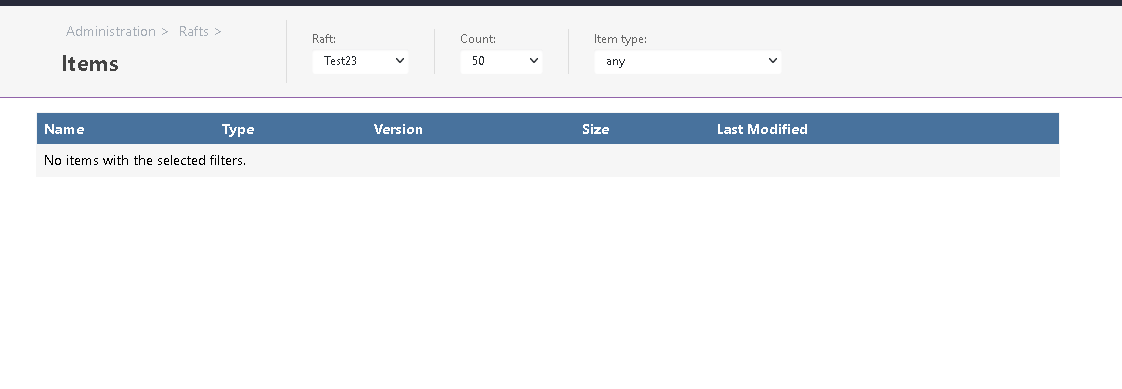
        They were addef by git commit, outside of Otter. Using vs code. I see the view in the attached screenshot.
        git-otter.PNG

        Is there a trick I am missing somewhere?

        1 Reply Last reply Reply Quote 0
        • G Offline
          gurdip.sira_1271
          last edited by

          Ok so if I have a blank repo and the same config in secure credentials, I can add a script to Otter and in the raft and it appears.

          My only issue with this iswhat should my workflow be? I was hoping to retain the standard git workflow ie commit push etc.

          atrippA 1 Reply Last reply Reply Quote 0
          • atrippA Offline
            atripp inedo-engineer @gurdip.sira_1271
            last edited by

            Hi @gurdip-sira_1271 ,

            Great, sounds like its working :)

            I think the issue is that you didn't have the folder-structure in place. Scripts should go in the /scripts folder basically.

            Cheers,
            Alana

            1 Reply Last reply Reply Quote 0
            • G Offline
              gurdip.sira_1271
              last edited by

              @atripp said in Help with Git raft in Otter:

              e its working :)
              I think the issue is that you did

              Would that folder be in Inedo Otter or in Git, or both?

              atrippA 1 Reply Last reply Reply Quote 0
              • atrippA Offline
                atripp inedo-engineer @gurdip.sira_1271
                last edited by rhessinger

                Hi @gurdip-sira_1271 ,

                Your Git repository must be structured in a particular way to work as a Git Raft; but it's best to let Otter manage all of that. Here is a sample: https://github.com/Inedo/OtterRaftTest

                The repository you use for a Git-based raft shouldn't be used for anything else - just raft storage.

                Cheers,
                Alan

                1 Reply Last reply Reply Quote 0
                • G Offline
                  gurdip.sira_1271
                  last edited by

                  Ok am I safe to import that test repo into my repo?

                  Sorry for all the questions, just this part of Otter seems to lack detail in steps!

                  1 Reply Last reply Reply Quote 0
                  • rhessingerR Offline
                    rhessinger inedo-engineer
                    last edited by

                    Hi @gurdip-sira_1271,

                    I think the safer option would be to upload your scripts on the "Scripts" page in Otter. If you navigate to the "Scripts" page, click "Add Script", and then select "Upload Scripts & Assets". You can then select your Git raft and then bulk upload all your script files. This way, they all get put in the correct folder automatically.

                    Thanks,
                    Rich

                    Products Engineer, Inedo

                    1 Reply Last reply Reply Quote 0
                    • G Offline
                      gurdip.sira_1271
                      last edited by

                      Is that how this feature works though? Could I not just do a git commit to the repo and then use the scripts in Otter?

                      I seem to have this working, not quite sure what is the exact config needed (hence the request to just provide the steps end-to-end. I like the product but the documentation is lacking slightly here).

                      So now, when I add a file to my git repo, it shows in the Scripts area, which is all I need. :)

                      1 Reply Last reply Reply Quote 0
                      • rhessingerR Offline
                        rhessinger inedo-engineer
                        last edited by

                        @gurdip-sira_1271 said in Help with Git raft in Otter:

                        Could I not just do a git commit to the repo and then use the scripts in Otter?

                        Hi @gurdip-sira_1271,

                        Yes, you can commit your scripts directly to Git by adding them to the Scripts folder. You can also modify your scripts directly in your Git repository as well or you can use the editor directly in Otter. We also just added a new text editor based on Monaco (the same editor as VS Code) and a new visual editor for OtterScript available as a preview feature in the latest version of Otter (3.0.24).

                        We don't have direct end-to-end steps on adding scripts directly in Git because that has not been the most typical way users have used this feature. Typically, a user adds the script via Otter and then will edit them in git.

                        The other way git rafts are used is with git branches. A raft is created for each git branch where the editing and testing of scripts are done in one branch and the production scripts are stored in another branch. This can become tricky though when calling scripts for different rafts in OtterScripts.

                        Hope this helps!

                        Thanks,
                        Rich

                        Products Engineer, Inedo

                        1 Reply Last reply Reply Quote 0
                        • G Offline
                          gurdip.sira_1271
                          last edited by gurdip.sira_1271

                          Hmm I get your point about branching.

                          Is there a way in the Raft to sany branch BUT main? As pr branches could be called anything.

                          atrippA 1 Reply Last reply Reply Quote 0
                          • atrippA Offline
                            atripp inedo-engineer @gurdip.sira_1271
                            last edited by

                            Hi @gurdip-sira_1271 ,

                            I want to share this guidebook that we wrote;
                            https://inedo.com/support/resources/ebooks/windows-first-iac-cca

                            Basically it discusses and walks you through how to CI/CD with your "infrastructure as code" using Otter and BuildMaster (our CI/CD tool). The screenshots are outdated, but after a lot of research, our conclusion is that the "pipeline" approach is likely the best.

                            Cheers,
                            Alana

                            1 Reply Last reply Reply Quote 0
                            • G Offline
                              gurdip.sira_1271
                              last edited by atripp

                              I will give that a read.

                              Two questions;

                              1. How does Otter handle jobs that may require reboots in betwen/ For example, joining a domain.

                              2. I have added some text files to my git repo but Ot

                              One last question - in my git raft, I have a script that looks like this:

                              $chocoPackages = $PSScriptRoot + "\chocoPackages.txt"
                              
                              $DB = Get-Content $chocoPackages
                              
                              foreach ($Data in $DB) {
                              choco install $DB -y
                              }
                              

                              However, I get the error:

                              Cannot find path 'C:\chocoPackages.txt' because it does not exist.

                              What am I missing?
                              Oneter reports them as unknown file type.

                              atrippA 1 Reply Last reply Reply Quote 0
                              • atrippA Offline
                                atripp inedo-engineer @gurdip.sira_1271
                                last edited by

                                Hi @gurdip-sira_1271

                                There is a Restart-Server OtterScript operation that you can use. You can specify a timeout/timer.

                                You'll want to store that chocoPackages.txt file as a script asset, and then deploy it to the server you're running the scripts on:

                                Get-Asset chocoPackages.txt
                                (
                                    Type: File
                                );
                                

                                However, you may want to consider this approach for your chocopackges:

                                https://docs.inedo.com/docs/otter-howto-ensure-chocolatey-packages

                                1 Reply Last reply Reply Quote 0
                                • G Offline
                                  gurdip.sira_1271
                                  last edited by

                                  I guess the bit I am confused about is if a restart is needed mid script. Would the agent on the server resume the script post reboot?

                                  For script assets, how would I reference from my Powershell script? Or should I use OtterScript and then have the step above and then my script?

                                  1 Reply Last reply Reply Quote 0
                                  • G Offline
                                    gurdip.sira_1271
                                    last edited by

                                    To add, I get this error when making a job template:

                                    "KillerGamingWindowsPowershell::JobTemplate::KillerGamingWindowsPowershell::Jobs/t" is not a valid raft item identifier.

                                    Sorry for all the questions, just trying to get myelf up and running!

                                    1 Reply Last reply Reply Quote 0
                                    • G Offline
                                      gurdip.sira_1271
                                      last edited by

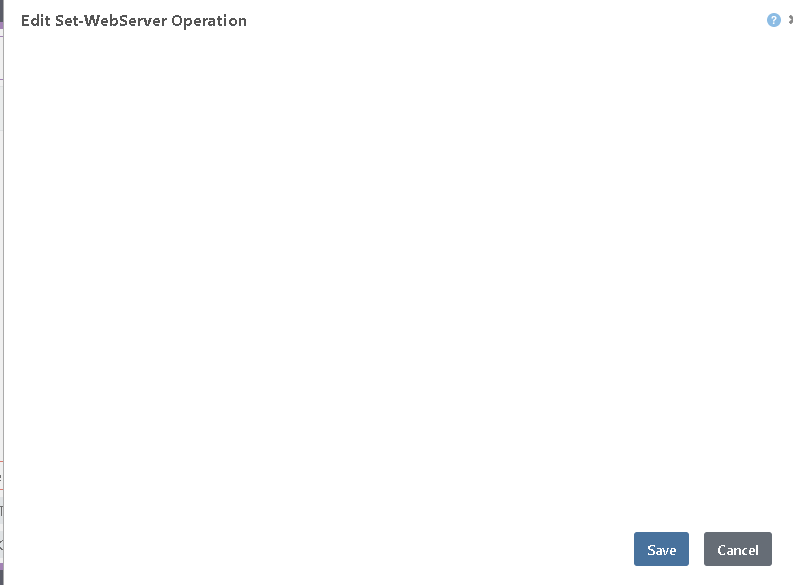
                                      In addition, when I drag a ps1 script in an otterscript orchestration, the popup is blank and i can't add the script. eg:
                                      blank.PNG

                                      1 Reply Last reply Reply Quote 0
                                      • atrippA Offline
                                        atripp inedo-engineer
                                        last edited by

                                        Hi @gurdip-sira_1271,

                                        I guess the bit I am confused about is if a restart is needed mid script. Would the agent on the server resume the script post reboot?

                                        You would need to perform the restart in OtterScript.

                                        for server REMOTEMACHINE
                                        {
                                           PSCall MyScript1.ps1;
                                        
                                           Restart-Server;
                                        
                                           PSCall MyScript2.ps1;
                                        }
                                        

                                        For script assets, how would I reference from my Powershell script? Or should I use OtterScript and then have the step above and then my script?

                                        In this case, you'll want to use OTterScript to deploy the script assets first.

                                        To add, I get this error when making a job template:

                                        That's a regression, and we'll fix it pretty soon. It has to do with Job Template folders in Git Rafts. We're shipping Otter v2022 today actually :)

                                        In addition, when I drag a ps1 script in an otterscript orchestration, the popup is blank and i can't add the script.

                                        Does your script have any parameters? If so, that is to be expected. Its should save if you hit the save button however. Note that in Otter v2022, shipping very soon, the script editor is totally rewritten and should be fixed.

                                        Cheers,
                                        Alana

                                        1 Reply Last reply Reply Quote 0
                                        • G Offline
                                          gurdip.sira_1271
                                          last edited by gurdip.sira_1271

                                          Ok thanks, I will try otter v2022.

                                          The bit I am not sure about is what my ps1 code should look like for the file reference to the text file.

                                          The script has no parameters. The behaviour seems a bit erratic. Are you referring to v3.0.24? As I tried this and no change.

                                          atrippA 1 Reply Last reply Reply Quote 0
                                          • atrippA Offline
                                            atripp inedo-engineer @gurdip.sira_1271
                                            last edited by

                                            Hi @gurdip-sira_1271 ,

                                            If your script has no parameters, then there's nothing to really show on the Visual Editor. However, you should be able to save the statement.

                                            Behind the scenes, the visual editor should just make a PSCall Set-WebServer; in text mode. What does the text mode look like?

                                            Cheers,
                                            Alana

                                            1 Reply Last reply Reply Quote 0

                                            Hello! It looks like you're interested in this conversation, but you don't have an account yet.

                                            Getting fed up of having to scroll through the same posts each visit? When you register for an account, you'll always come back to exactly where you were before, and choose to be notified of new replies (either via email, or push notification). You'll also be able to save bookmarks and upvote posts to show your appreciation to other community members.

                                            With your input, this post could be even better 💗

                                            Register Login
                                            • 1
                                            • 2
                                            • 1 / 2
                                            • First post
                                              Last post
                                            Inedo Website Home • Support Home • Code of Conduct • Forums Guide • Documentation


