Welcome to the Inedo Forums! Check out the Forums Guide for help getting started.
If you are experiencing any issues with the forum software, please visit the Contact Form on our website and let us know!
BuildMaster Path Browser
-
Hi Support,
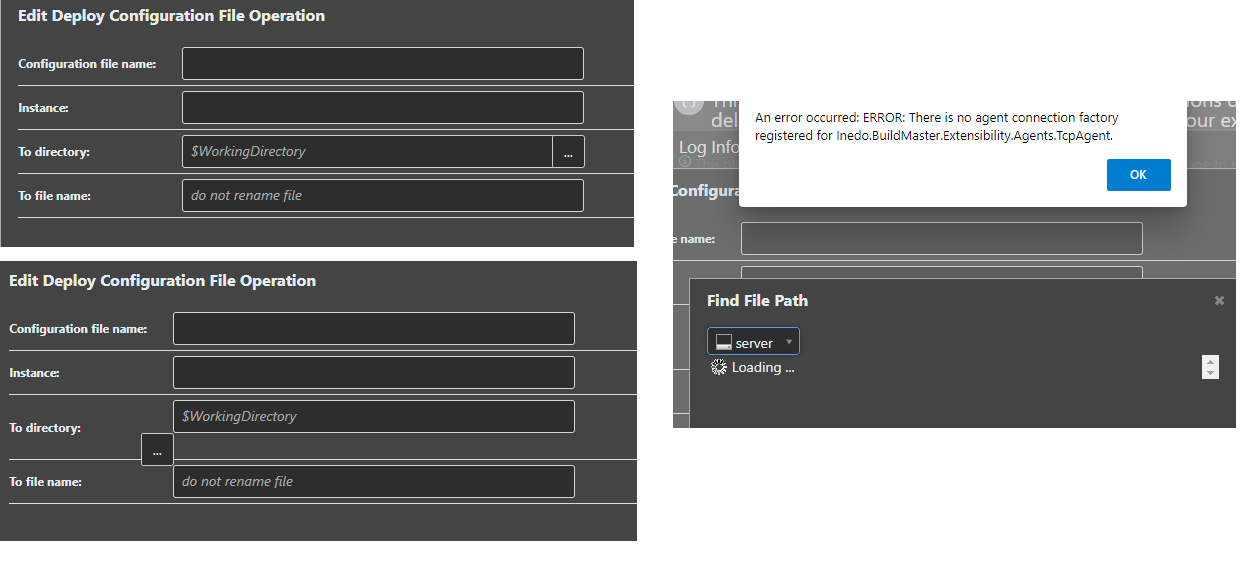
On the Operations that allow a Directory to be selected, there appears to be a minor glitch on the GUI that causes the '...' browse button to loose its placement.
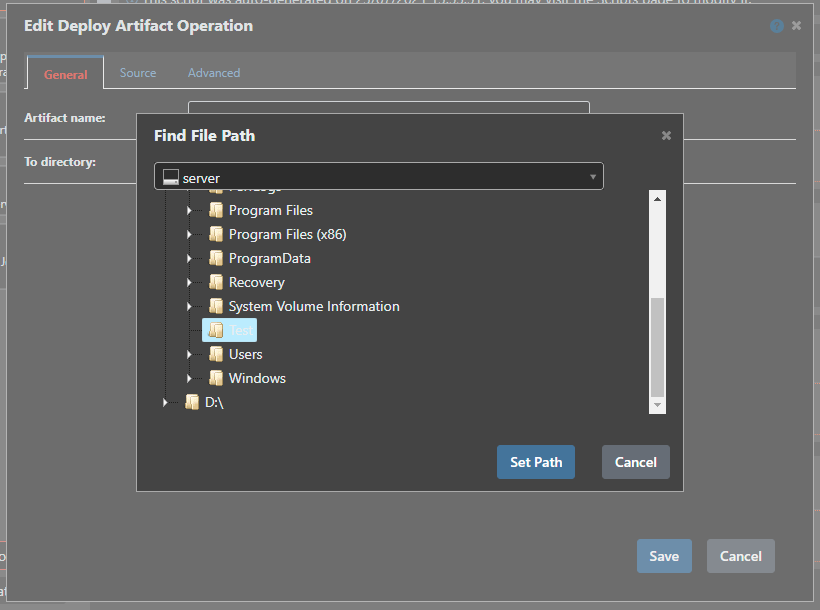
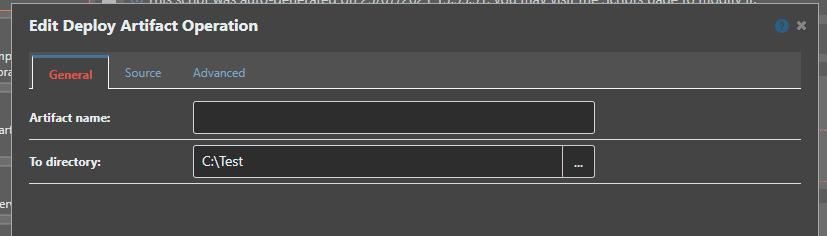
This can be tested by clicking on the button then hitting cancel, or selecting a valid path.As shown in the left hand on the screen capture.
Also, should browsing a remote server path work ?
I can successfully browse 'localhost' folder structure, but if I select a remote server, the error shown in right hand on the screen capture is shown.
"An error occured: ERROR: There is no agent connection factory registered for Inedo.BuildMaster.Extensibility.Agents.TcpAgent.This is shown on screen only and does not appear in the Diagnostic Center as a trace.
Thanks,
Paul -
Hi @paul-reeves_6112 ,
The moving is a bit strange and definitely shouldn't do that... but the remote browsing not working is a concern. I can see why it's not, and it's a way with how new agents are constructed behind the scenes in v7.
This feature was originally removed from v7 due to UI/JavaScript challenges, but we ultimately brought it back.. but clearly this part was overlooked in testing.
Anyways we'll get it fixed pretty quickly in BM-3716 - thanks for reporting it!
Thanks,
Steve -
Hi @stevedennis,
Thank you for the update.The Inedo Agent v49 is installed on the remote server(s) if it helps to confirm.
Thanks,
Paul -

Hello! It looks like you're interested in this conversation, but you don't have an account yet.
Getting fed up of having to scroll through the same posts each visit? When you register for an account, you'll always come back to exactly where you were before, and choose to be notified of new replies (either via email, or push notification). You'll also be able to save bookmarks and upvote posts to show your appreciation to other community members.
With your input, this post could be even better 💗
Register Login